!
170&
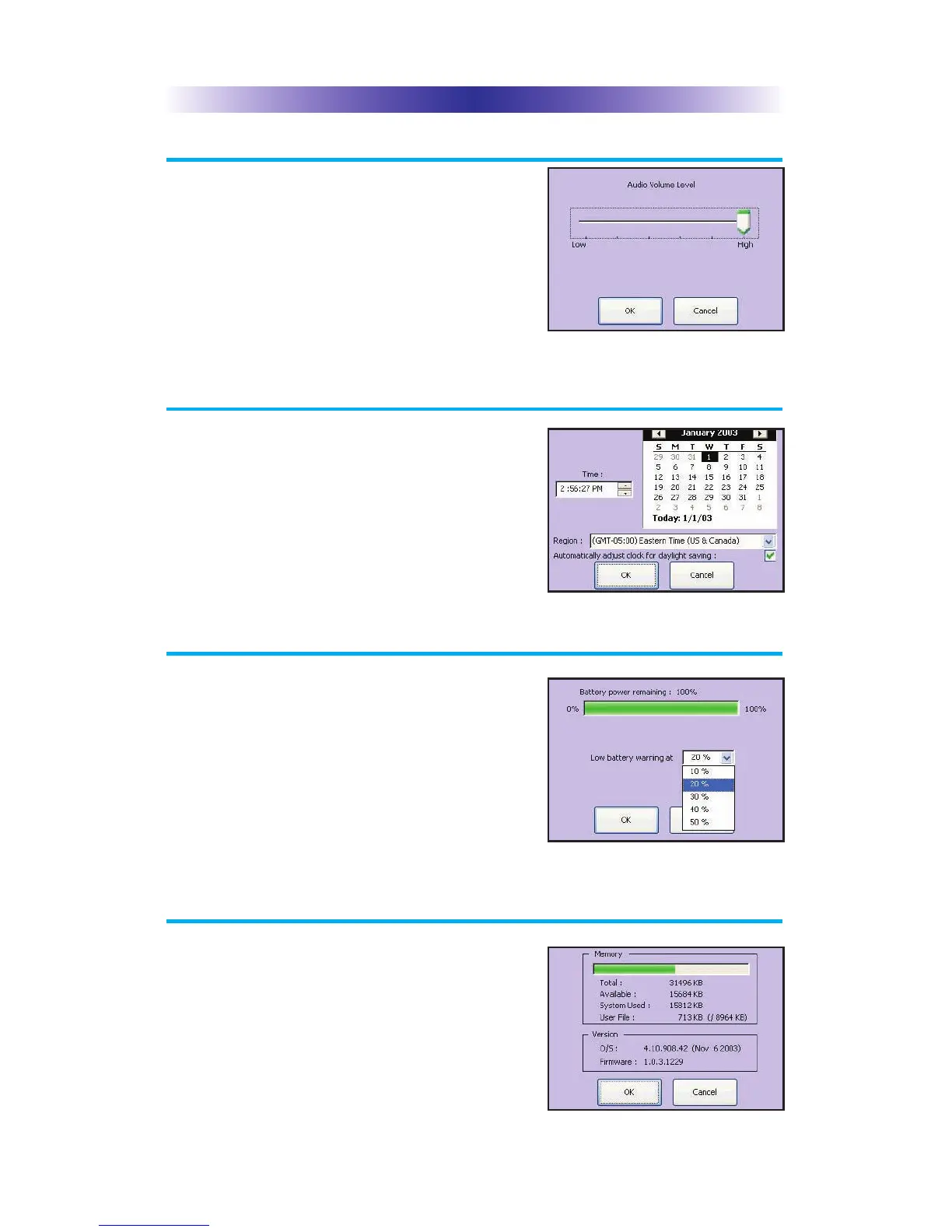
Your MX-3000 may have been programmed
to make sounds. This is optional, and some
professional installers may prefer to keep it
silent. However, you can adjust the volume
to any level you like by touching and
dragging the volume control here.
'66+0)+/'#0'
Your MX-3000 may have been programmed
to display the time or date on a touch screen
button. If so, you can correct the time
displayed by changing the settings on this
screen.
19'4'66+0)5
You can display the remaining charge
by selecting Power Settings.
You can also adjust when the low battery
warning screen will appear.
;56'/
The System screen displays data about your
MX-3000’s operating system, memory etc.
The Sound Screen
The Time and Date Screen
The Power Screen
The System Screen
#)'



 To Next Page