13
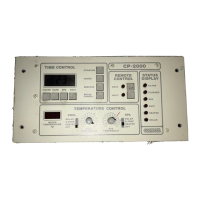
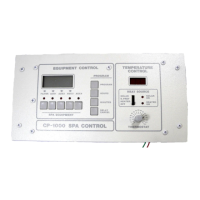
Compool Cp3600
Low Voltage Cables
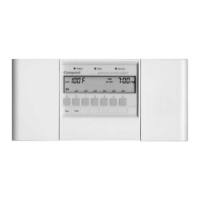
Control Panel
6-conductor cable runs between the Control Panel and the Power Center.
Heater Connection
2-conductor cable runs between the heater and the Power Center.
Water Temperature Sensor
2-conductor cable runs between the Water Temperature Sensor and the Power Center.
Freeze Temperature Sensor
2-conductor runs between the Freeze Temperature Sensor and the Power Center.
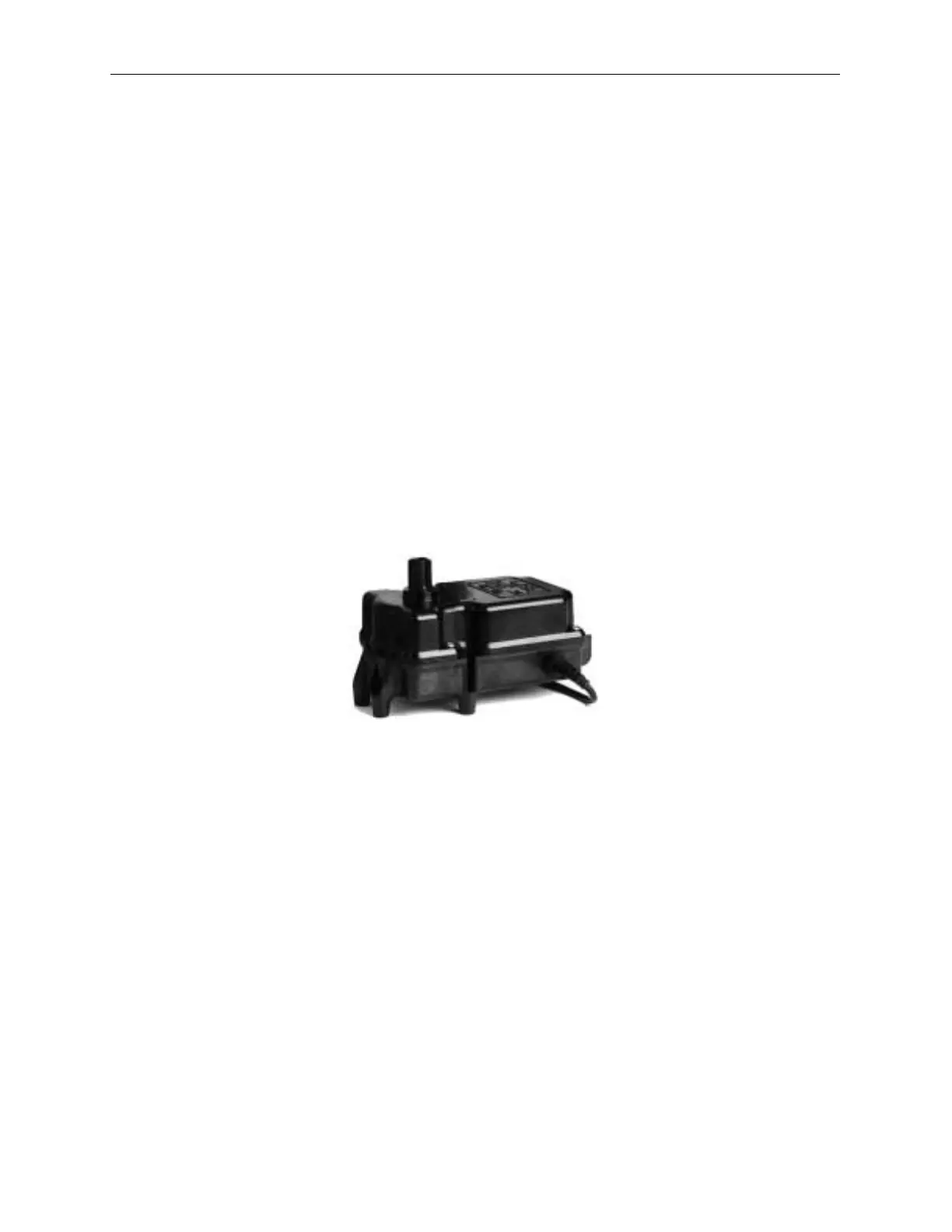
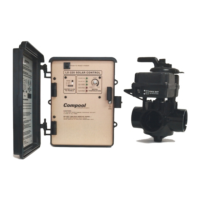
Valve Actuators
3-conductor cable runs between Valve Actuator and the Power Center.
Caution
Do not install low voltage and high voltage wires in the same conduit. Use conduit
when cable goes underground.
Valve Actuators
Valve Actuators come with 15 feet of cable. If this distance is not long enough, it is possible to
splice in additional wire to lengthen cable. Use 3-conductor wire (model 3COND-CVA).
• To install Valve Actuators
1. Remove knob, handle and four cover screws from the valves to be motorized.
2. Use mounting screws provided to mount Valve Actuators.
3. Run Valve Actuators cables to the Power Center. Bundle up extra cable under Power
Center. Do not store extra cable in the low voltage compartment.
4. At the top right corner of the Power Center circuit board, plug Valve Actuator cable into
the appropriate valve socket.
• Plug intake Valve Actuator cable into INT VLV socket.
• Plug return Valve Actuator cable into RET VLV socket.
• Plug optional third Valve Actuator cable into AUX VLV socket.
5. The AUX VLV socket is most often used to control a solar or cleaner Valve Actuator. To
select which circuit will control the AUX VLV socket, connect jumper wire between


 To Next Page