16
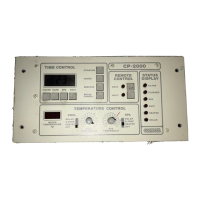
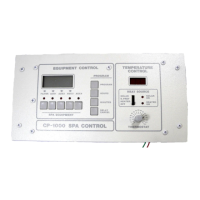
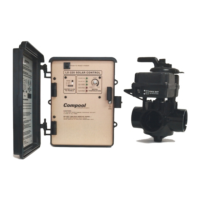
Compool Cp3600
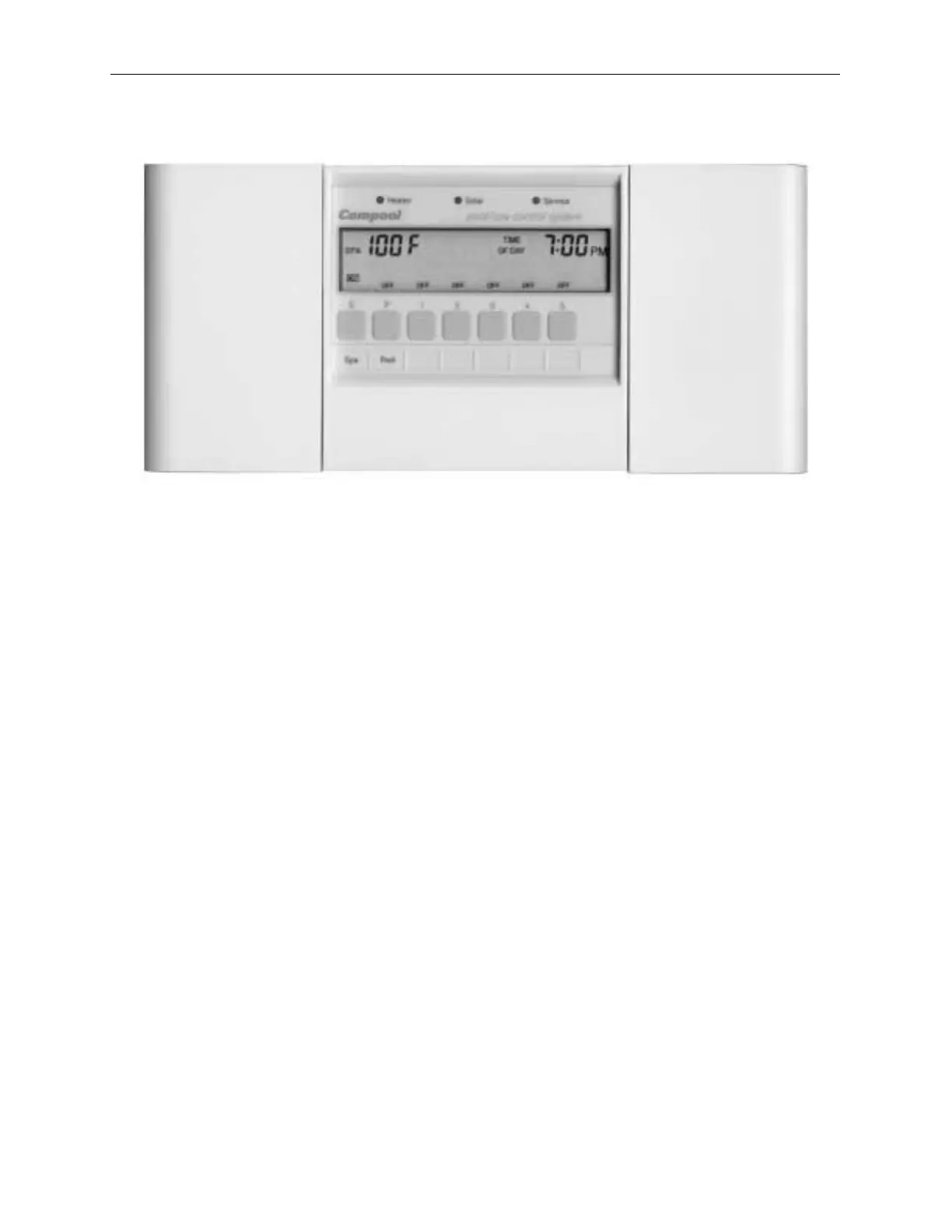
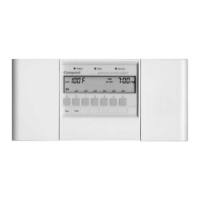
Control Panel
• To install the Control Panel
1. Select a location inside the house or other weather-protected area to mount the Control
Panel. The Control Panel should be installed at or below eye level.
2. Remove backplate from Control Panel. Position backplate and mark the three mounting
points.
3. Drill 3/16” diameter holes at the three points. Insert mounting anchors (included) into the
three holes.
4. Pull cable through large hole in backplate, use the three 1.25” screws to mount backplate
to wall. Use crimping tool to connect modular connector to cable. See Modular Crimping
Tool for details.
5. Plug modular connector into either COM PORT socket on the back of the Control Panel.
6. Use the four 1/2” screws (included) to mount the Control Panel to the backplate.
7. At the Power Center, use the crimping tool to connect the modular connector to the cable.
Plug modular connector into the COM PORT socket.


 To Next Page