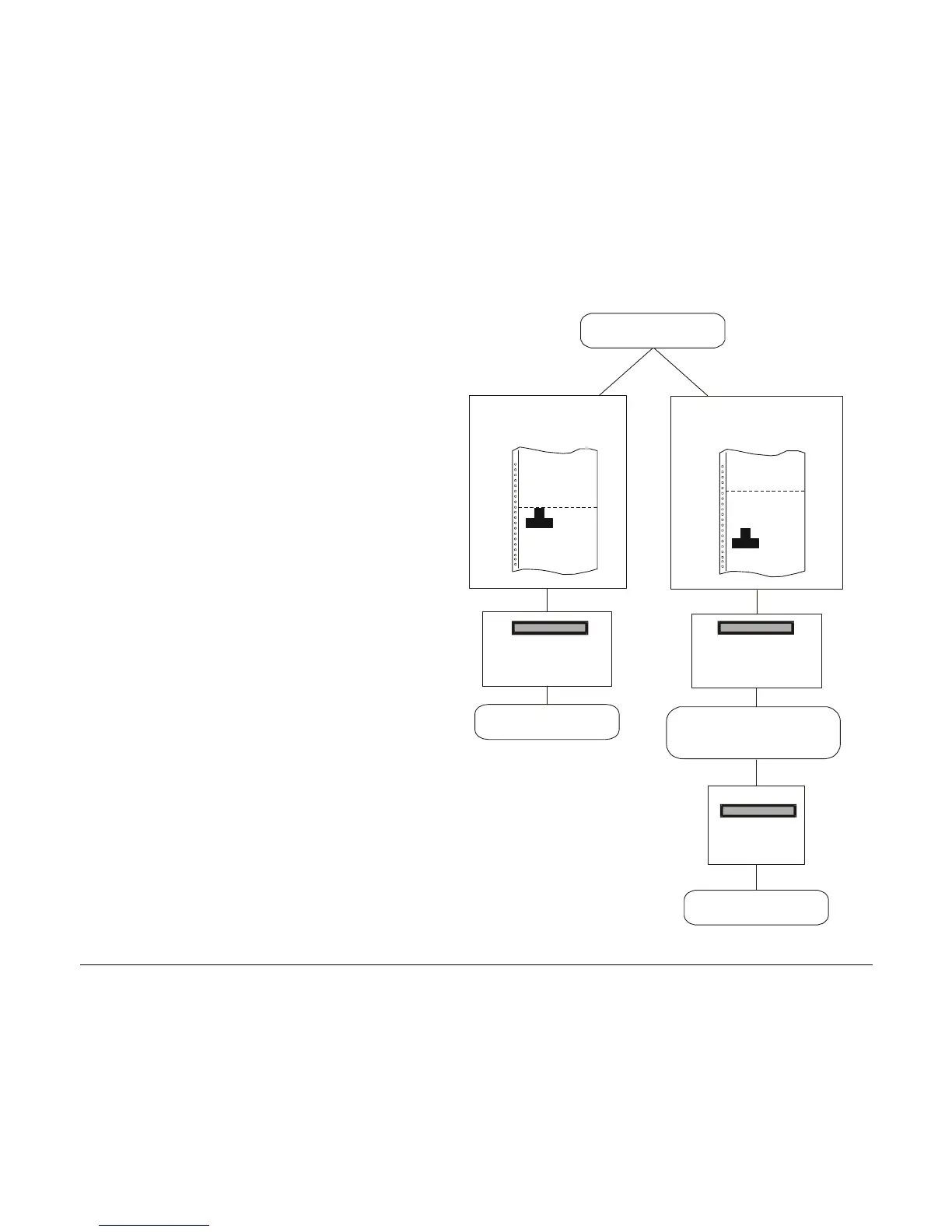
If LABEL is selected:
• When the paper is positioned at the
first printable line and the paper path
is changed (changing the Macro or
pressing the PATH key), or the PARK
key is pressed the printer
automatically ejects the paper towards
the rear of the printer.
• If at least one line has been printed, or
the paper has been fed forward at least
1 line and the paper path is changed
(changing the Macro or pressing the
PATH key) or the PARK key is pressed,
the display shows TEAR IF
NECESS./EJECT PAPER. If the paper
to be ejected is longer than 18" tear it
off and press the PARK key again to
perform the paper ejection.
LABEL
EJECTING
1st printable line
Other paper position
TEAR IF NECESS.
EJECT PAPER
EJECTING
PARK
MACRO or
PATH or
PARK
MACRO or
PATH or
PARK
116



 To Next Page