129
R
R
e
e
p
p
l
l
a
a
c
c
i
i
n
n
g
g
t
t
h
h
e
e
R
R
i
i
b
b
b
b
o
o
n
n
C
C
a
a
r
r
t
t
r
r
i
i
d
d
g
g
e
e
1. Make sure that the printer is turned off for at least 15 minutes.
Pay attention to the print head because it becomes hot during operation.
2. Open the top printer cover.
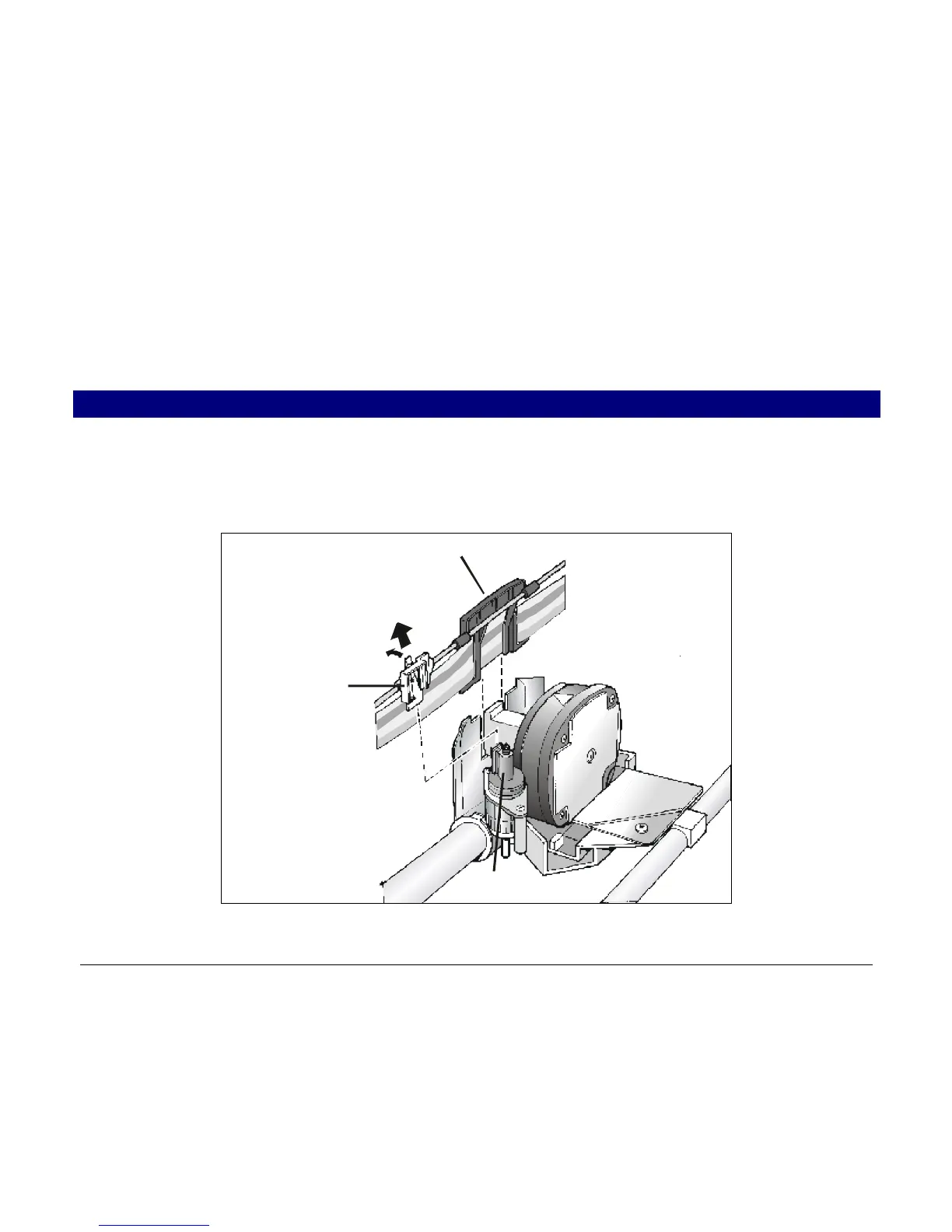
3. Slide the ribbon guide out of the print head. If the Ribbon Shifter kit is installed on the
printer, free the shifter holder pushing the tab towards the rear and pulling the shifter holder
up.
Ribbon Guide
Shifter Holder
Ribbon Shifte



 To Next Page