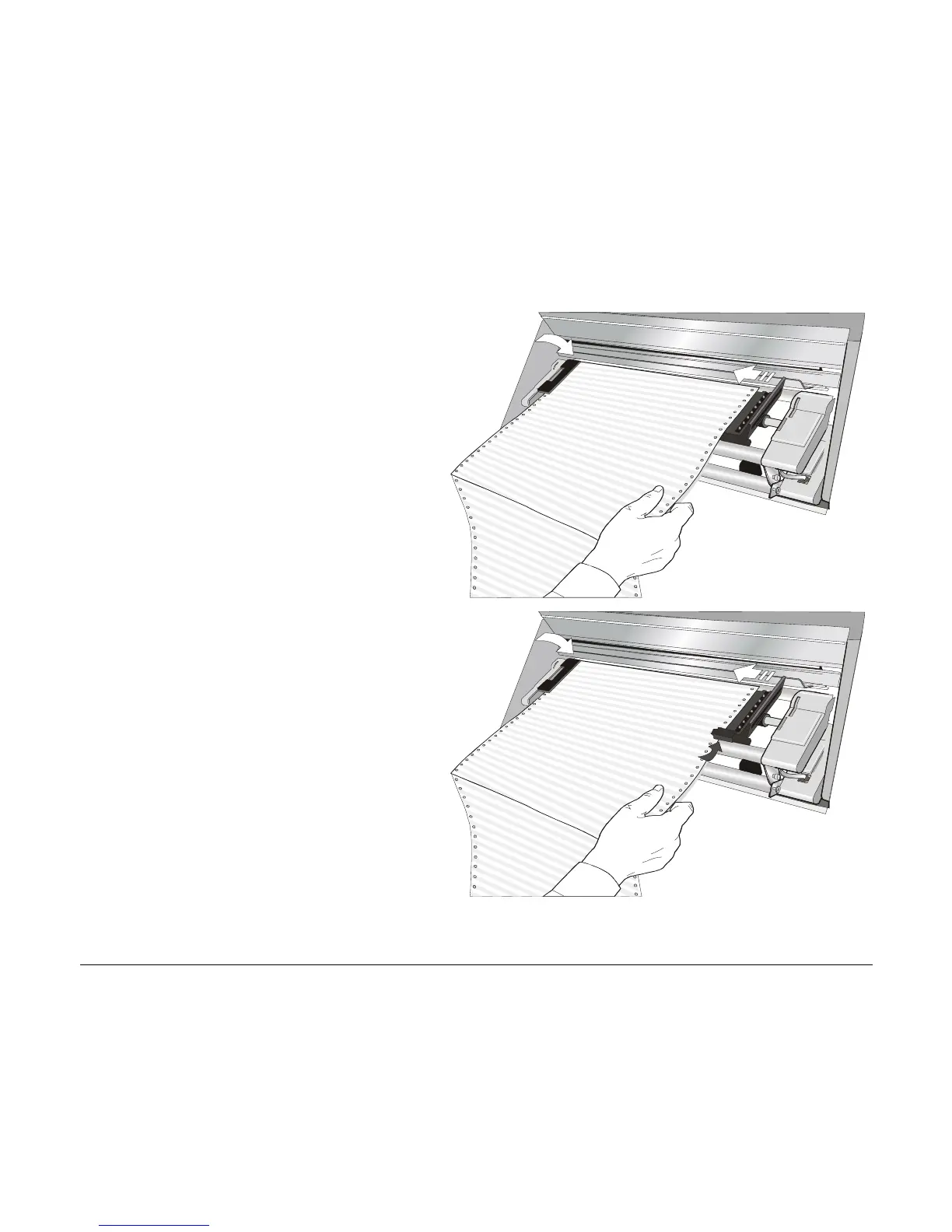
5. Hold the fanfold paper in front of the
sprockets and insert the paper
perforation on the left sprocket pins and
close the sprocket cover.
6. Insert the paper on the right sprocket
pins and close the sprocket cover.
• If you are using the 6 pin Front2 push
tractor option, make sure the paper
goes under the paper sensor and close
the sprocket cover
146



 To Next Page