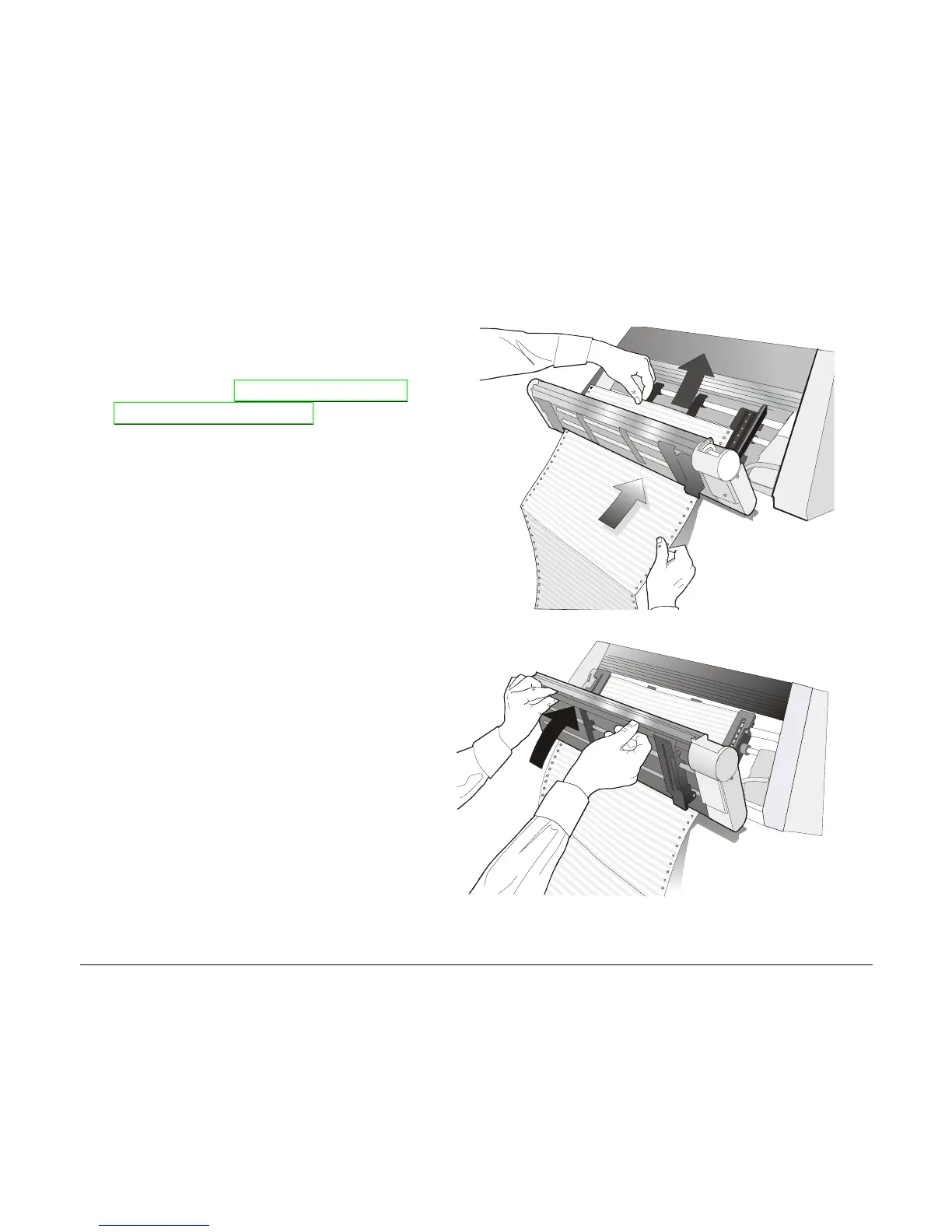
3. Insert the fanfold paper between the
Front1 and Front2 push tractor, then
proceed to load the paper as described
in the section “Loading Paper Using
the Front1 Push Tractor”.
4. When the fanfold paper has been
loaded on the Front1 push tractor,
reposition the Front2 push tractor in
its initial position before closing the
Push tractors cover.
5. Press the LOAD/FF key to load the paper into the printer.
150



 To Next Page