Insert the microSD card into the card reader and connect
the card reader to your PC. After a few seconds the
microSD card will be shown as a removable disk. Open
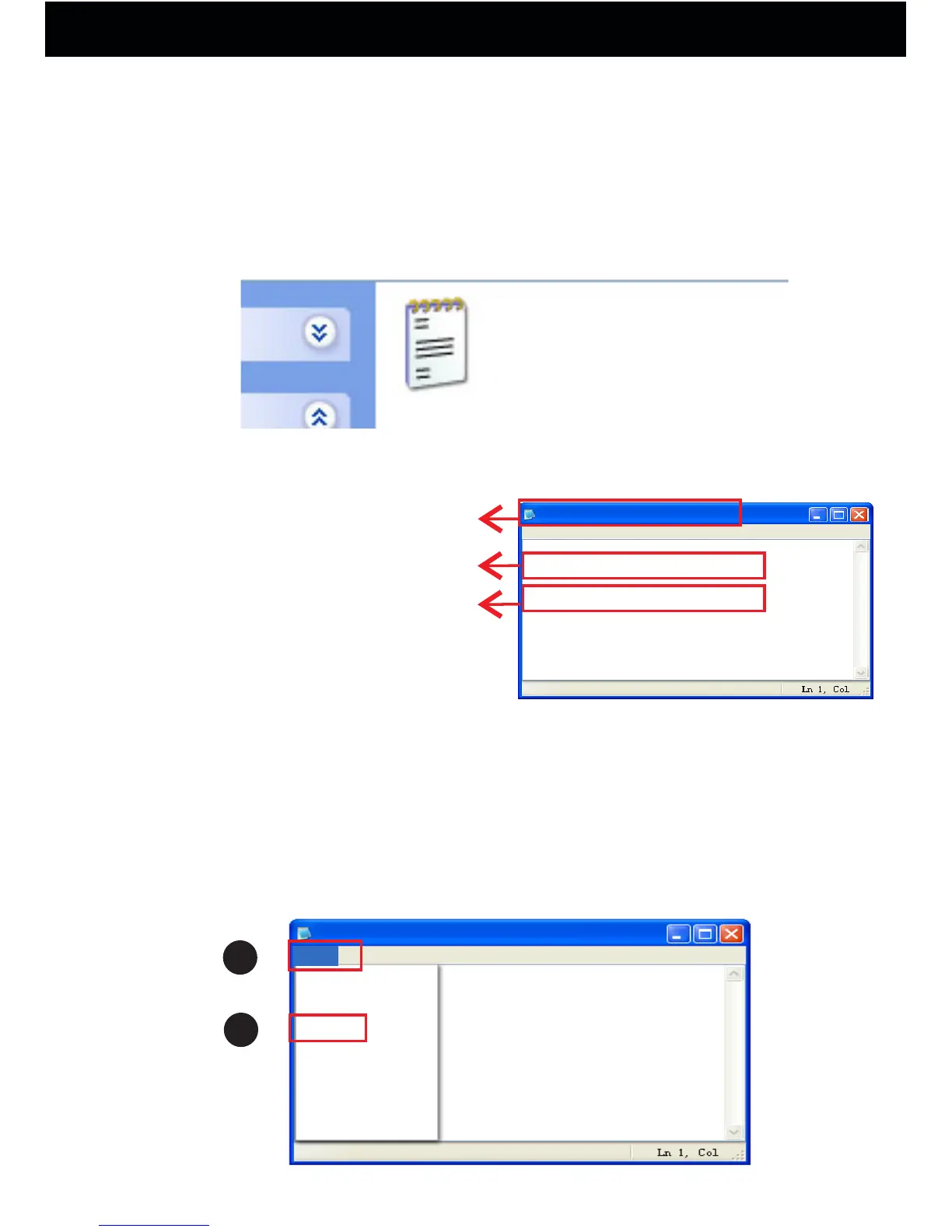
the SETTIME.TXT file.
SETTIME
The following menu will be displayed:
SETTIME.TXT
file Edit Format View Help
2016-07-15, 23:59:59
yes
yyyy-mm-dd, hh:mm:ss
yes: loop recording on microSD
no: no loop recording
Time format:
File name
Modify date and time on the computer.
After setting date and time, click on “File” and then on
“Save”.
Please do not add any blank or characters to change the
existing format.
New
Open
Save
Save as
Page settings
Print
Exit
File
Edit Format View Help
SETTIME.TXT
1
2
3. Setting the Date and Time.
Before Using Your Conbrov T10 Camera
10



 To Next Page