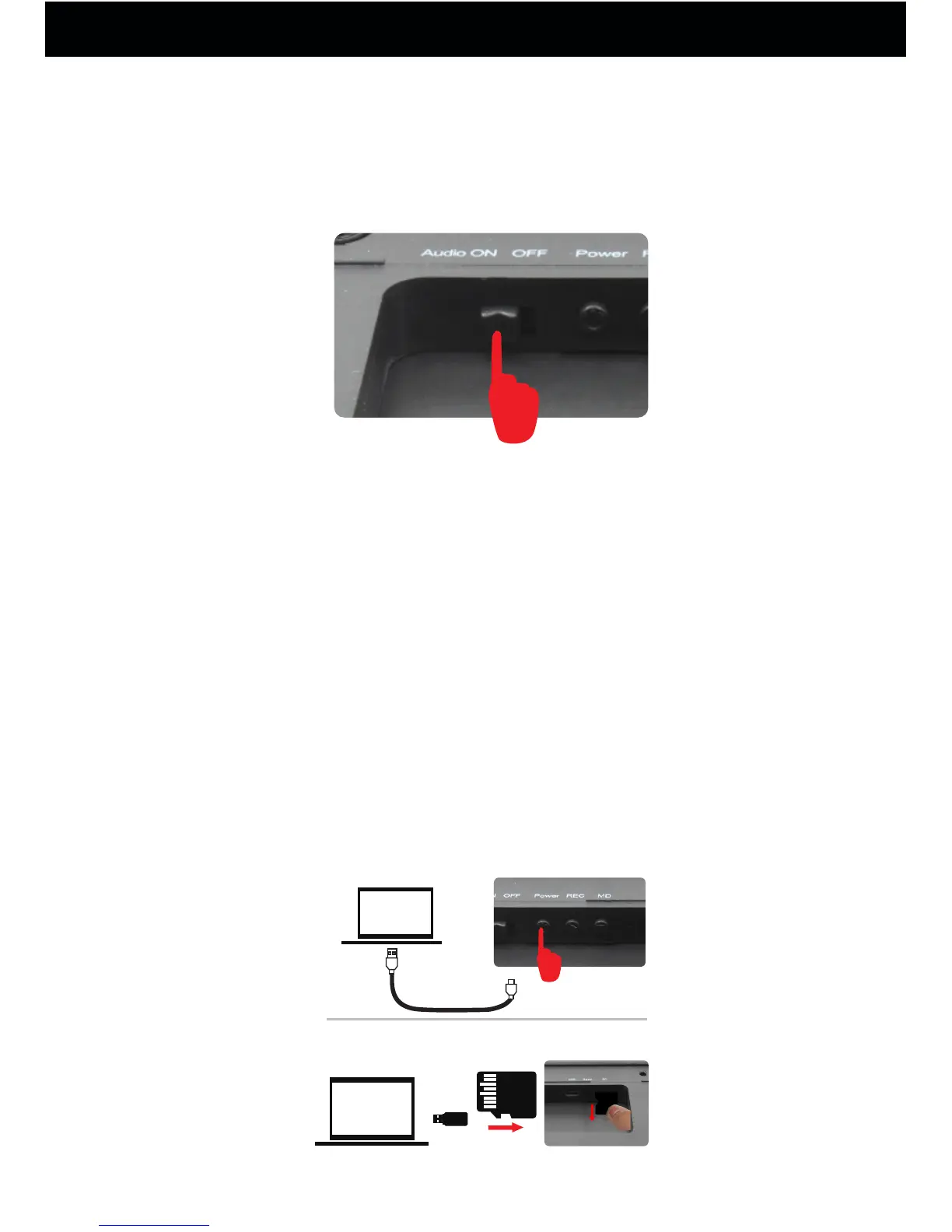
3. How to Record with Sound
Only switch the Audio on button to record with sound
in any condition, switch to off button to record without
sound.
4. How to enter into Night Vision
Whether under PIR motion detection video recording or
recording continuously, when ambient light brightness
is lower than 20LUX, the camera will automatically
switch into night vision and the video is black and white.
5. How to Play a Video
Turn on the camera first, and then connect the T10 camera to
computer via USB cable. Or take out the microSD, insert it into
the card reader (included), then connect the card reader to
computer.After a few seconds, there will be a removable disk
shown on computer. Open it, and then you'll see the Video file.
Open it to play the videos.
1
2
USB2.0
Power On
How to Use Your Conbrov T10 camera
14



 To Next Page