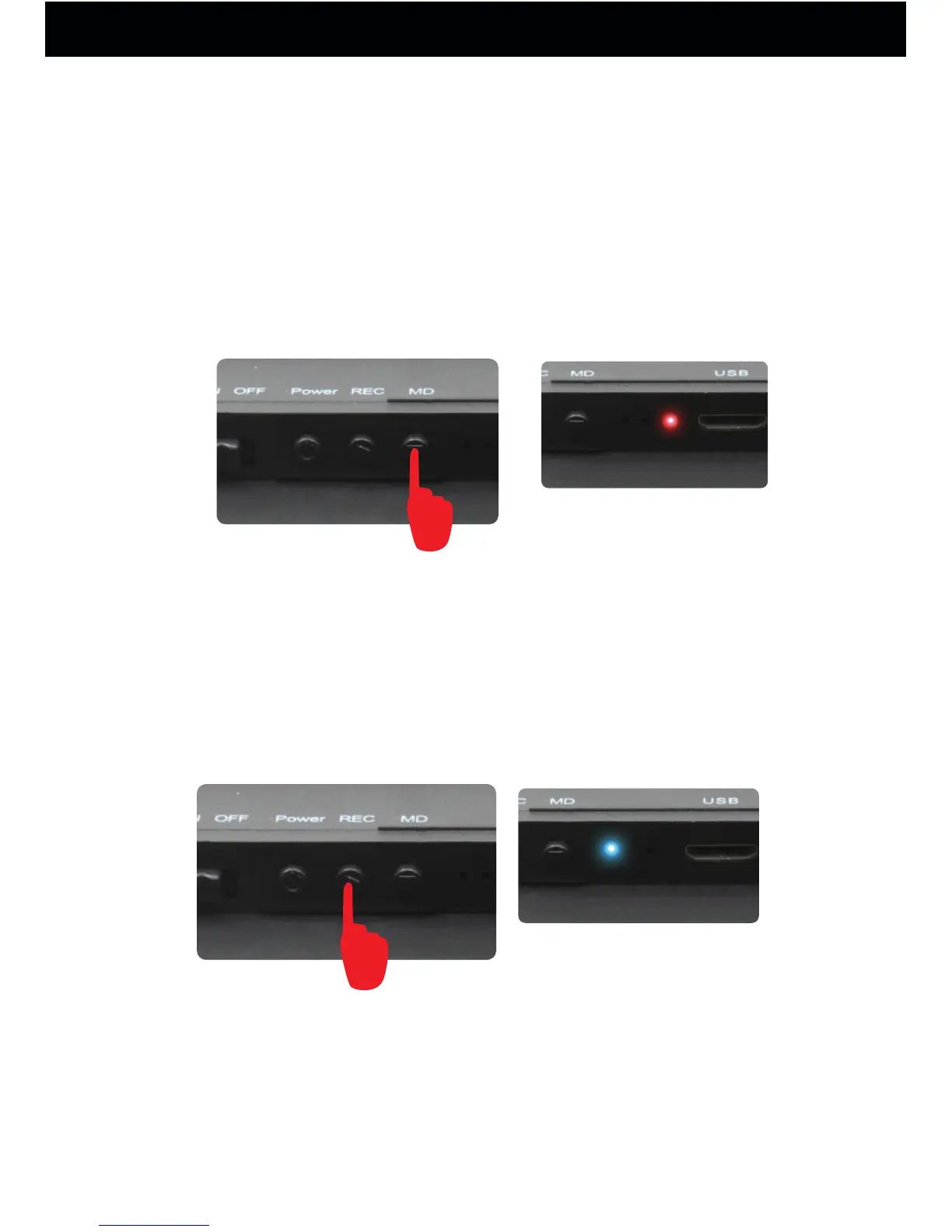
After test recording, the PIR motion sensor is triggered
while detecting a motion and the camera enters motion
detection recording mode, The Blue and Red LED
indicator flash 3 times. The Red LED indicator is always
on.Press MD button again to stop recording, The Blue and
Red LED indicator will flash and then go off, The Red
LED indicator goes off. The device will powered off.
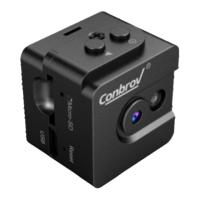
(2)Record continuously
Turn the camera on, then press REC button to record
continuously, and the LED flashing blue 3 times then
goes off. Press REC button again to stop recording
and the blue light will stay on. The device will be in
standby mode.
Record a Video
flash 3 times blue
Note: If no microSD is inserted, the blue LED will flash
blue for 3 seconds then turns off.
How to Use Your Conbrov T10 camera
13



 To Next Page