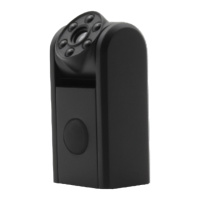
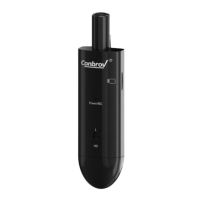
Before Using Your Conbrov T11 Camera
9
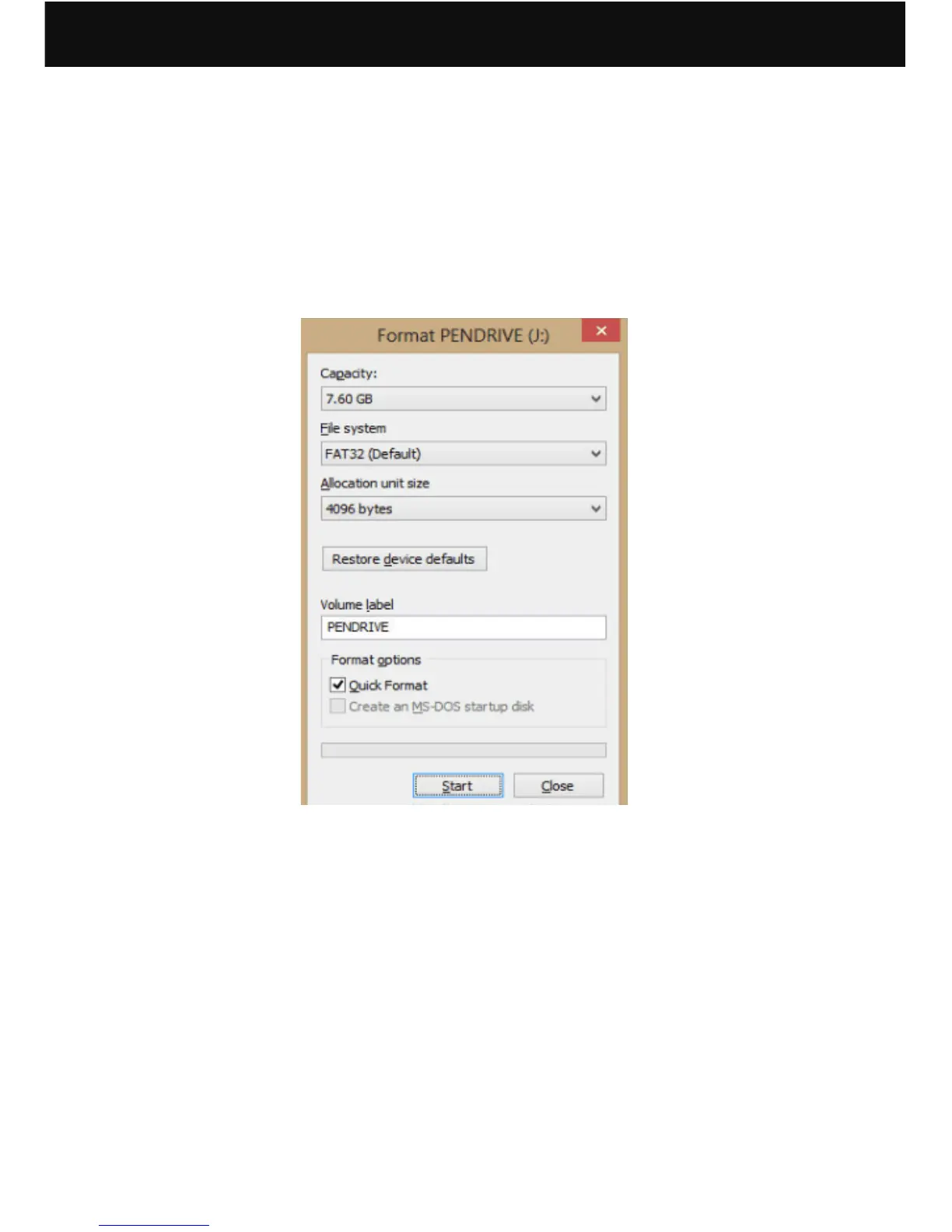
Caution! Format the microSD before use. Doing
this, however, will remove all data from the card.
Make sure to back up any data before formatting
(applicable to Windows system ONLY)
The Camera records video only when microSD
is installed.
(1) The device supports a Class 10 microSD card which
has capacity of more than 8GB and up to 32GB.
(2) Do not remove the microSD card during operation.
it will damage both the memory card and camera.
(3) Push the microSD card into the slot gently until it
click into place.The card only fits one way, so do
not force the card into the port.
(4) To remove the microSD card, make sure the camera
is OFF. Press down on the microSD and it will pop
up,you can then pull it out easily.


 To Next Page