How to Use Your Conbrov T11 Camera
Press again, the blue and red LED will flash
then go off. The device will save the video to the
micro SD card and stop recording .
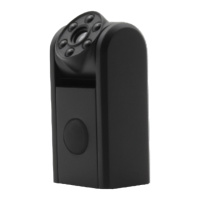
Note:The rotating Camera lens and LED allow you
to rotate the lens for greater placement options.
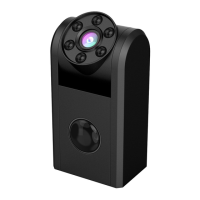
The PIR detector must not be covered or it will not
be able to detect motion.
3.How to Switch Into Night Vision
Whether under manually recording or PIR activated
recording, when ambient light brightness is lower
than 10LUX, the camera will automatically switch
into night vision and the video is black and white.
4.How to Play the Video
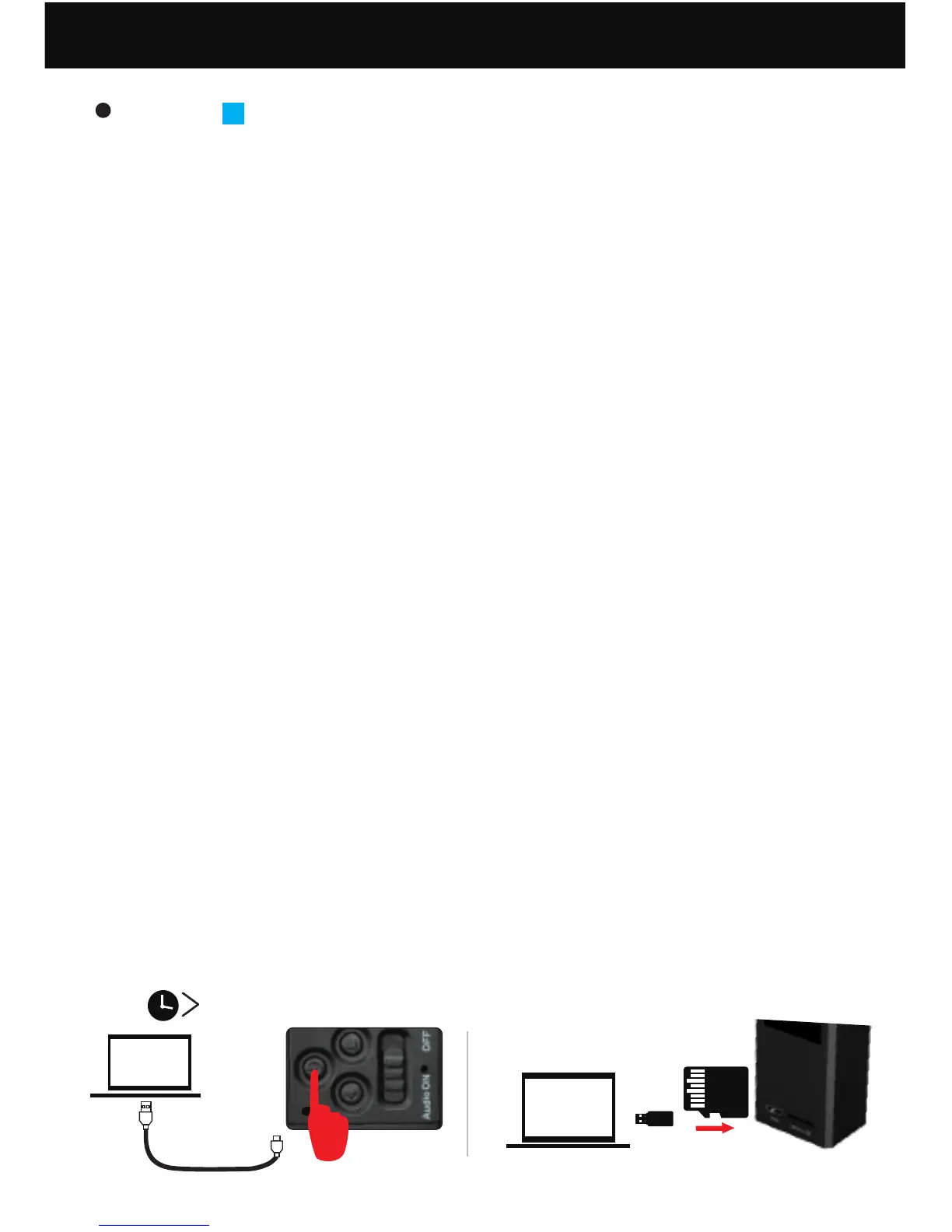
(1) Connect the T11 camera to computer, press and
hold the Power Button for 2 seconds or take out
the microSD, insert it into the card reader (not
included), then connect the card reader to
computer.
1
2S power on
2
US B2. 0
14
(2) After a few seconds, there will be a removable
disk shown on computer. Open it, and then
you'll see the Video file. Open it to play the
videos.


 To Next Page