How to Use Your Conbrov T11 Camera
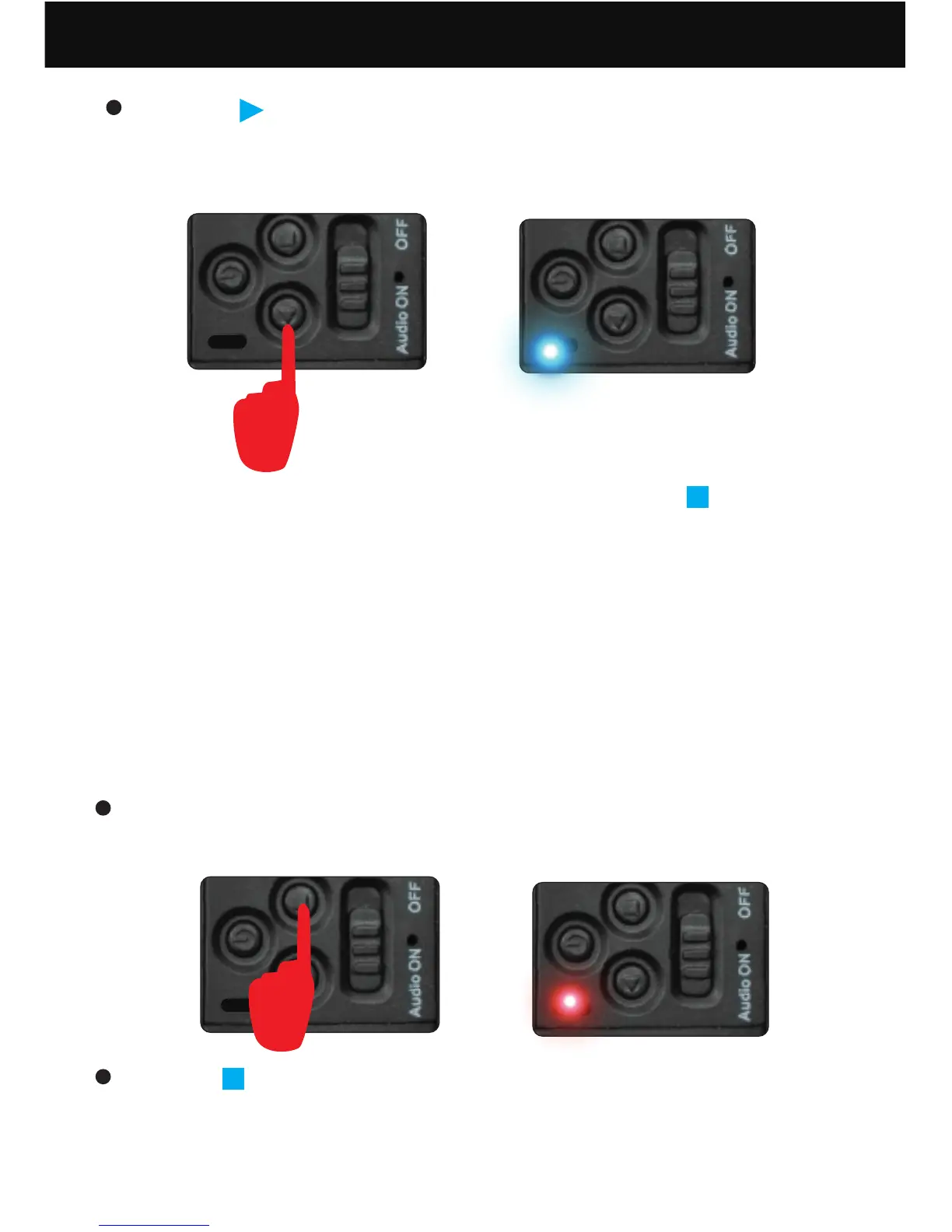
Press again, the blue LED will be on. The
device will save the video to the micro SD card
and stop recording .
2)Motion Detection Recording (Press after the
Camera is powered on)
When Motion Detection is activated, recording
will begin when there is movement in front of the
camera(not further than25 feet).The motion
sensor detects the environment every 1~ 2
minutes.The camera will begin recording again
when it detects new movement.
The Red LED indicator is always on when in
motion detection mode.
Press the blue LED will flash once and the
red LED stays on, the device begins to record
video.
13


 To Next Page