EasyManua.ls Logo

Concept2 LA6983bc - User Manual

Concept2 LA6983bc
64 pages
Go to English
Print Icon
To Next Page IconTo Next Page
Loading...
1
LA6983bc
CZ
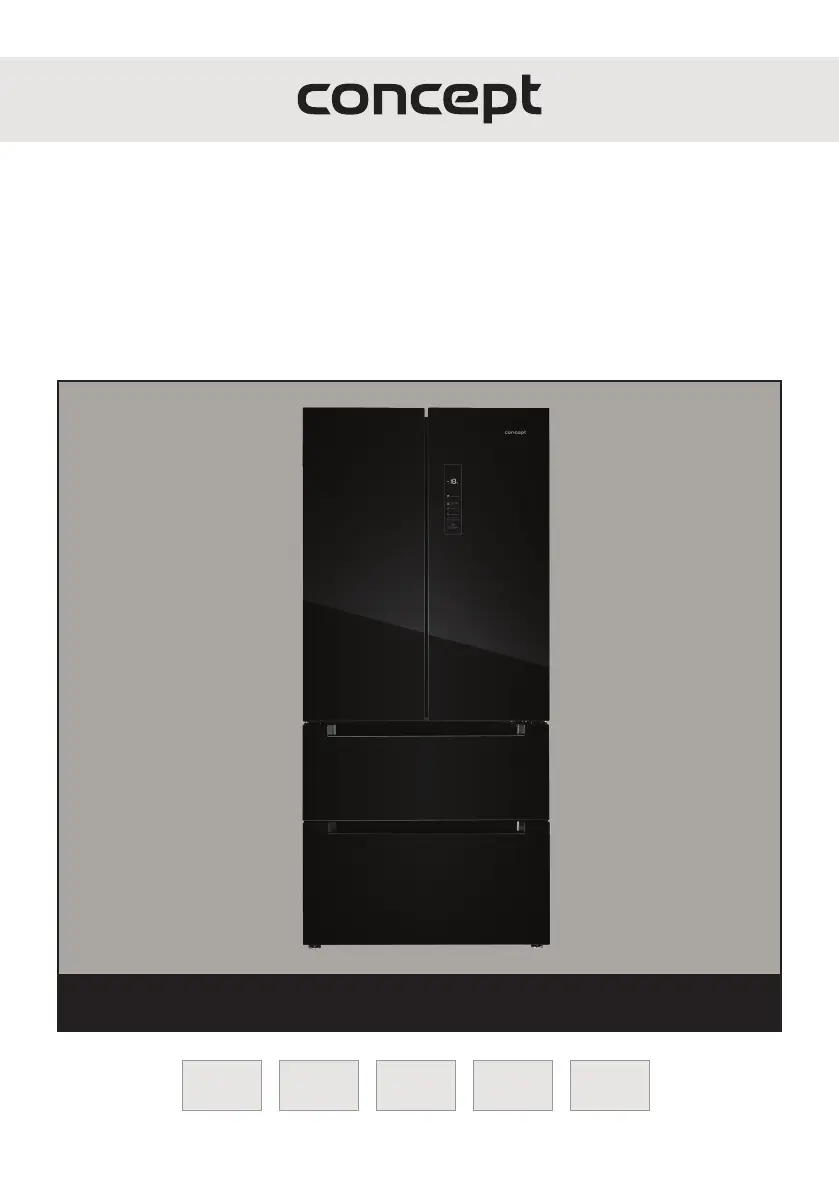
Volně stojící kombinovaná chladnička s mrazničkou
Voľne stojaca kombinovaná chladnička s mrazničkou
Lodówka wolnostojąca połączona z zamrażarką
Brīvstāvošais kombinētais ledusskapis ar saldētavu
Freestanding combi refrigerator with freezer
LA6983bc
ENLVPLSKCZ

Questions and Answers

Summary

Technical Specifications

Important Safety Information

Delivery Safety Checks

Check the package for damage during shipping and handle with care to avoid injury from sharp edges.

Installation Safety Guidelines

Follow manual instructions, check voltage, use barefoot or wet hands, and keep children away.

Product Description

Control Panel Description

Tips for Use

User Manual Operation

Display Overview

The display shows temperature, operation mode, and error codes. It auto-locks after inactivity.

Before First Use

Clean interior and exterior, let the appliance stand for 2 hours before connecting to mains.

Setting Refrigerator Temperature

Unlock panel (3s), press button (9) to adjust temp between 2°C and 8°C.

Setting Freezer Temperature

Unlock panel (3s), press button (10) to adjust temp between -16°C and -24°C.

Control Panel Functions

Control Panel Lock;Unlock

Unlock panel (3s) by holding button (14). Auto-locks after inactivity.

Door Open Alarm

Audible alarm sounds if the door remains open for more than 2 minutes.

Setting Cooling Mode

Unlock panel, press button (10) for 5s to set fridge to 5°C, freezer to -18°C, variable drawer to 3°C.

Super Cool Function

Unlock panel, press button (11) to set fridge to 2°C. Icon (6) lights up.

Super Freeze Function

Unlock panel, press button (12) to set freezer to -24°C. Icon (8) lights up.

Vacation Mode

Unlock panel, press button (13) to activate. Fridge off, freezer to -18°C, icon (7) appears.

Variable Zone Temperature Settings

Appliance Installation

Connection to Mains Power

Cleaning and Maintenance

Regular Operating Noise

Troubleshooting Guide

Error Message Codes

Service Centre Information

Environmental Protection and Recycling

Service Locations

Summary

Technical Specifications

Important Safety Information

Delivery Safety Checks

Check the package for damage during shipping and handle with care to avoid injury from sharp edges.

Installation Safety Guidelines

Follow manual instructions, check voltage, use barefoot or wet hands, and keep children away.

Product Description

Control Panel Description

Tips for Use

User Manual Operation

Display Overview

The display shows temperature, operation mode, and error codes. It auto-locks after inactivity.

Before First Use

Clean interior and exterior, let the appliance stand for 2 hours before connecting to mains.

Setting Refrigerator Temperature

Unlock panel (3s), press button (9) to adjust temp between 2°C and 8°C.

Setting Freezer Temperature

Unlock panel (3s), press button (10) to adjust temp between -16°C and -24°C.

Control Panel Functions

Control Panel Lock;Unlock

Unlock panel (3s) by holding button (14). Auto-locks after inactivity.

Door Open Alarm

Audible alarm sounds if the door remains open for more than 2 minutes.

Setting Cooling Mode

Unlock panel, press button (10) for 5s to set fridge to 5°C, freezer to -18°C, variable drawer to 3°C.

Super Cool Function

Unlock panel, press button (11) to set fridge to 2°C. Icon (6) lights up.

Super Freeze Function

Unlock panel, press button (12) to set freezer to -24°C. Icon (8) lights up.

Vacation Mode

Unlock panel, press button (13) to activate. Fridge off, freezer to -18°C, icon (7) appears.

Variable Zone Temperature Settings

Appliance Installation

Connection to Mains Power

Cleaning and Maintenance

Regular Operating Noise

Troubleshooting Guide

Error Message Codes

Service Centre Information

Environmental Protection and Recycling

Service Locations

Concept2 LA6983bc Specifications

General IconGeneral
BrandConcept2
ModelLA6983bc
CategoryRefrigerator
LanguageEnglish