Enter the device list interface.
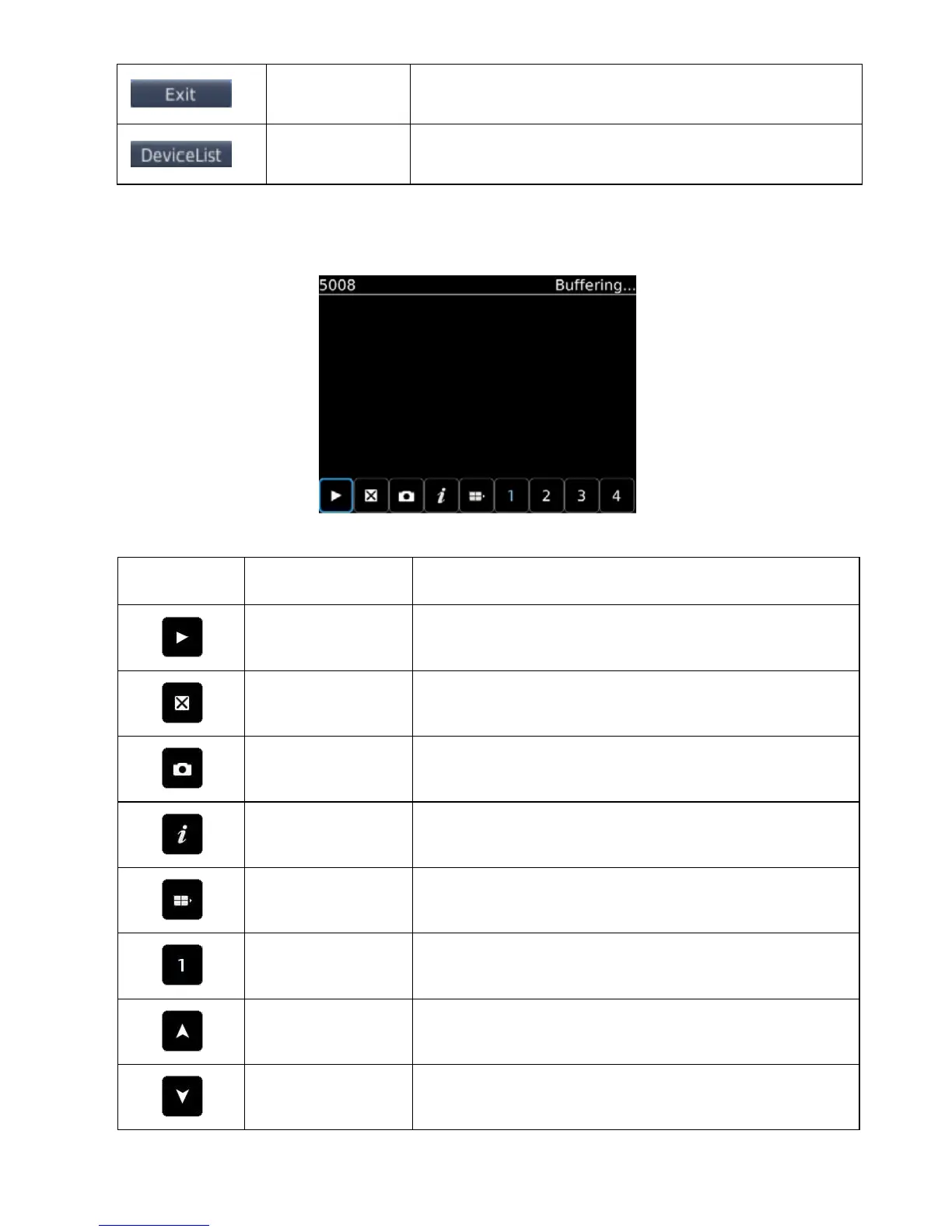
5) Click <login>, play the main interface, as shown in the below image.
The corresponding functions of buttons in <Main interface> show as follows:
When the program connects with device, play video
Capture the current image (the default save path: the default pictures
directory of mobile)
Some device information of the software.
It can select the next channels group (1-4、4-8、8-16) or PTZ control.
Choose one video channel of the broadcasting device and select any
one of 8 channels.
The up direction control of PTZ.
The down direction control of PTZ.



 To Next Page