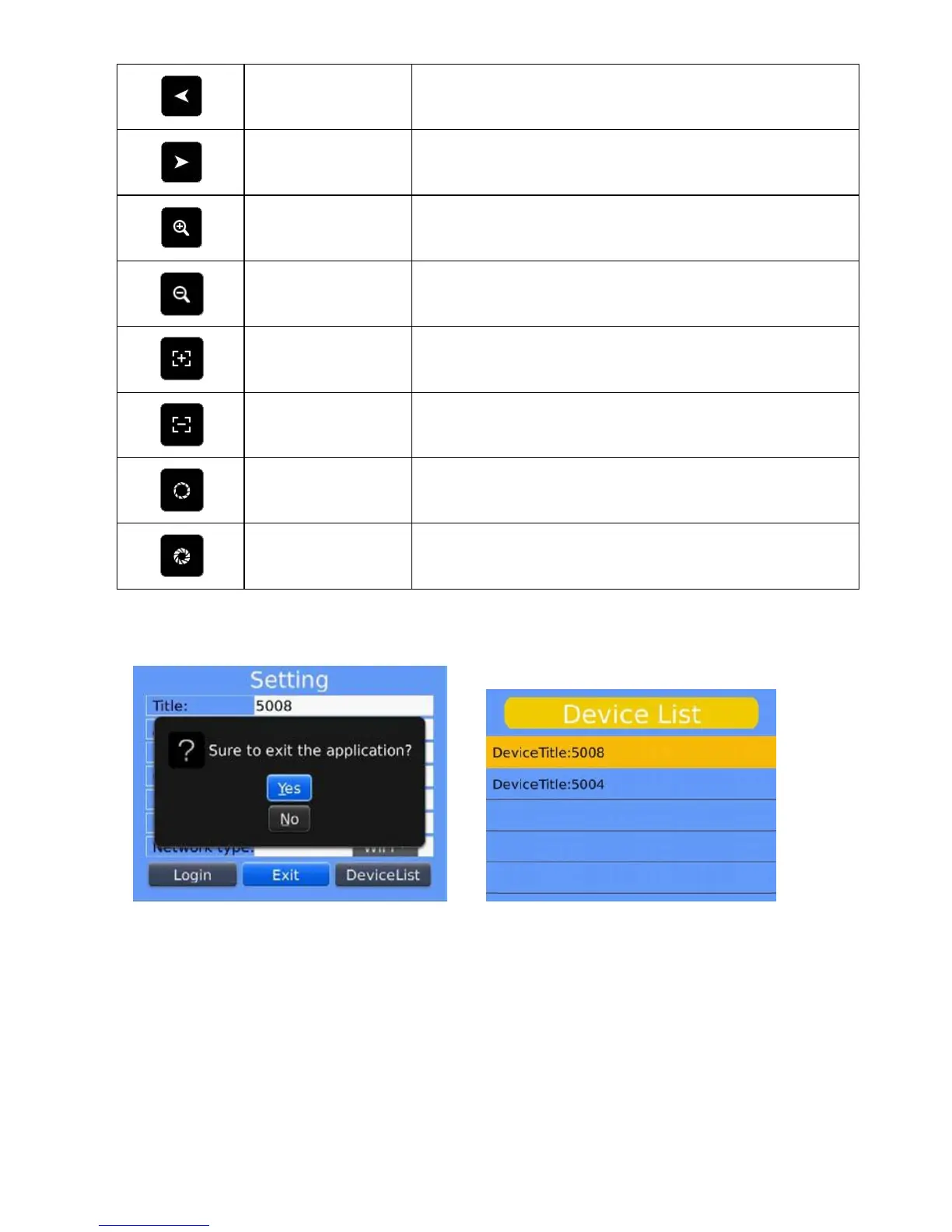
The left direction control of PTZ
The right direction control of PTZ
The zoom in control of PTZ.
The zoom out control of PTZ.
Amplify the focal length of PTZ.
Lessen the focal length of PTZ.
Amplify the aperture of PTZ.
Lessen the aperture of PTZ.
6) Exit the application program
Click the button <Exit> and exit the program, as the below image shows.
7) Edit the <Device List> interface
1. Click the <Device List>and enter <Device List> interface, as shown in the above image.
2. Click the <menu> button and enter the <device edit> interface, as the below image shows.



 To Next Page