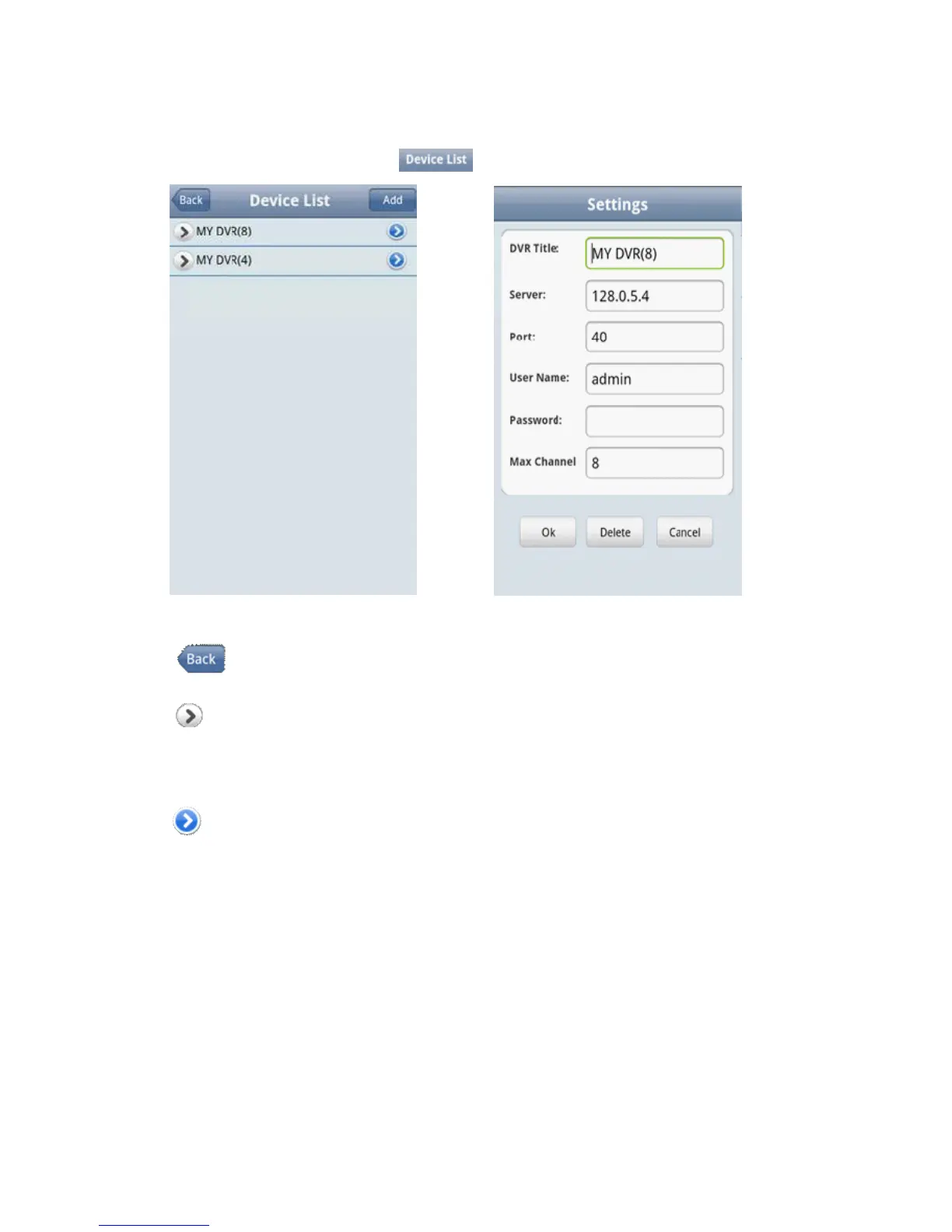
<Password>:The password of the user (default password is empty).
<Max Channel>: The actual channel numbers of DVR.
5)After finishing, click <OK>and enter the Device List page. As shown in the below image
Notes:
<Back>:Back to the screen of previous image.
<Channel List>:It shows the corresponding DVR and the default channel list, the user can arbitrarily
choose a channel to preview an image.
<Information Edit>:Click this button and enter the “Settings” interface, you can edit or delete the device
information, as shown in the above image.
6)Complete settings, choose channel to preview, and the preview function include two modes: common mode and
full screen mode.
1. Common mode is shown in the below image



 To Next Page