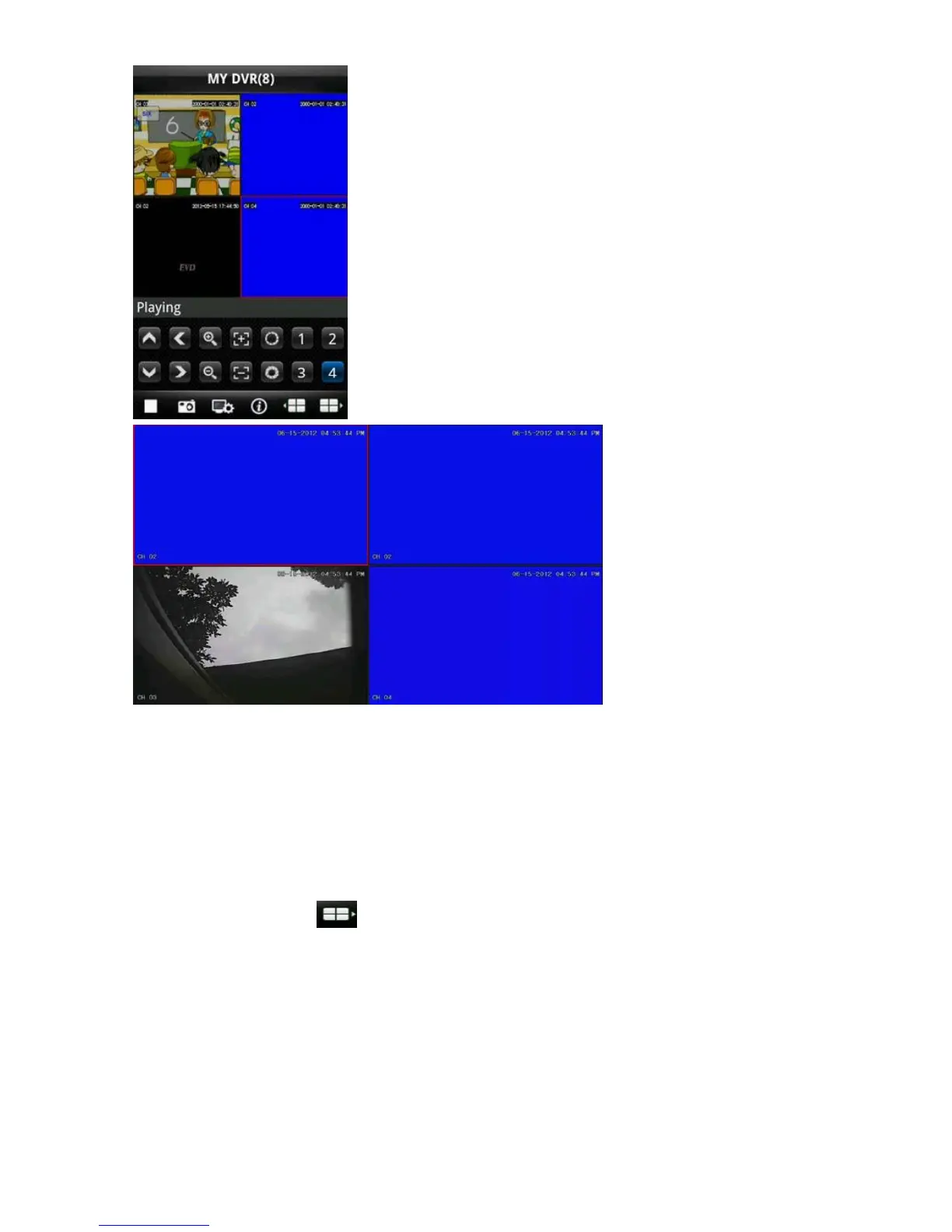
2. Full screen mode occurs when mobile phone is laid down horizontally, whereby it will automatically switch to full
screen mode, as shown in the above image.
7)Channel switch function
Select some channels in the Device List interface; the program will automatically switch to the Preview Interface and
open the corresponding channel preview in Preview Interface. Program displays the default 1 ~ 4 channels, if the
user clicks the channel button of Next Group in the Preview Interface, the channels group will switch to 5 ~ 8,
8 ~ 12, 12~16 and circulation switch. As shown in the below image



 To Next Page