2 Instructions of Blackberry
2.1 Essential condition
1) Supports version 4.6 or above of Blackberry system, and mobile phone screen resolution is 480*360 and
480*320. Supports 8900, 9000, 9700, 9630, 9900 of Blackberry.
2.2 installation
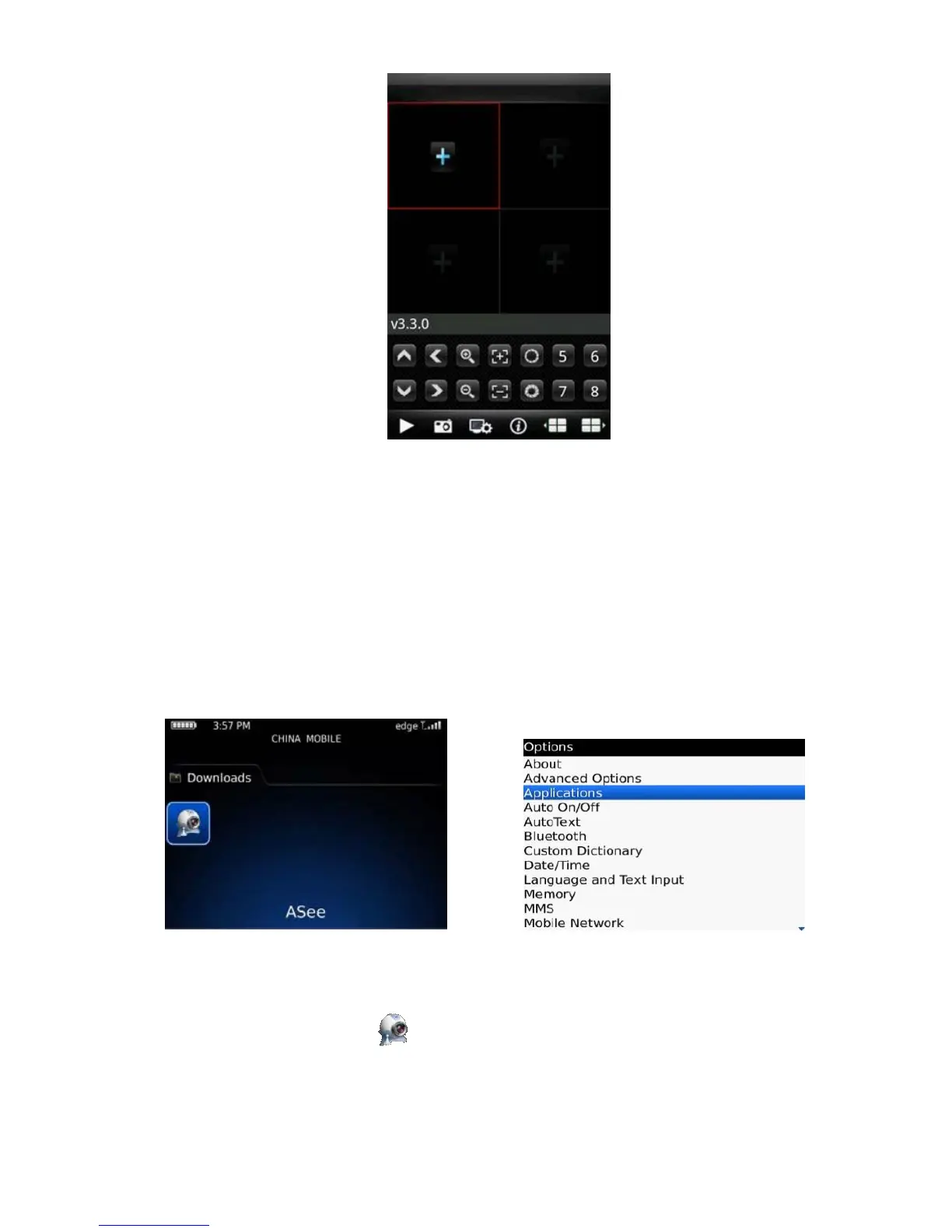
1)Install ASee. cod and ASee. jdp installation package into Blackberry handset through the desktop manager,
as shown in the below image.
2)Click the options on mobile phone desktop and enter the interface of the above image.
3) <Asee> permission settings
a. Click <application program> to find out <Asee>;
b. Click the icon of <Asee> and enter the permission settings.
c. Click <edit permissions>, set all permissions <permit>.



 To Next Page