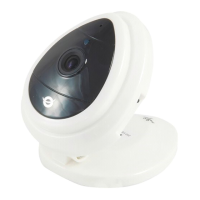
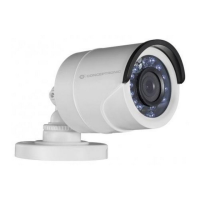
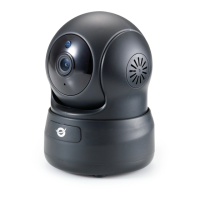
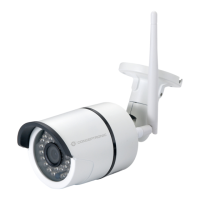
Figure 8
4) PT and video control
In Pan/Tilt control area, user can control the position according to the arrow sign: up,
down, left, right, middle, horizontal cruise, vertical cruise, and stop etc.
Means open IO output and Close IO output.
User can also set the device frame rate、resolution, brightness, contrast and other
parameters.
4 Visit IP Camera from WAN
4.1 Wan connection
Figure 9


 To Next Page
 Loading...