2 Appearance and Interface
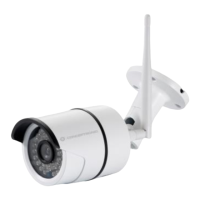
2.1 Appearance
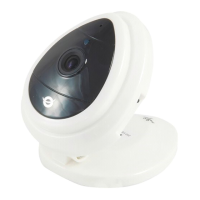
Figure 1
Status Indicator: the green light is to show that the device is running
Slow flicker(one per 2 second): indicates the device is searching for network
Flicker(one or twice per second: indicates the wired network connected
Frequent flicker(2~3 times per second): indicates wireless network connected.
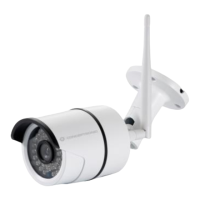
2.2 Interface
Figure 2
RESET Button: Press the RESET button and hold on more than 10 seconds and the
camera will restart and restore to factory default settings.


 To Next Page
 Loading...