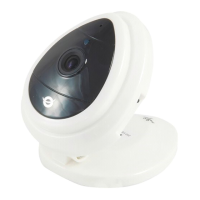
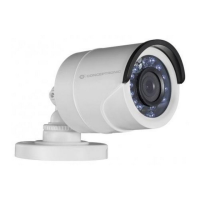
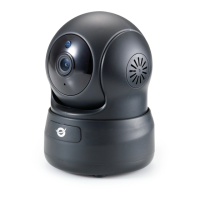
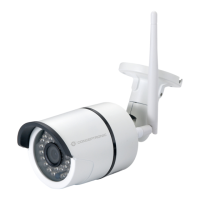
Figure 18
2) Alarm Action
All kinds of alarm modes:-
IO interface for alarm signal output: when relay is switched on, the external
alarm will begin to alarm.
Send alarm info by email.
Send the site pictures to the FTP server, user can also set the break time
between two pictures.
Send alarm info to the alarm server.
3) Scheduler
Device will trigger alarm in scheduled time. User can set schedule time to be “all the
time”. Before you set “Schedule”, please go to Date and Time settings to set the correct
time for the item, as shown in figure 19.


 To Next Page
 Loading...