6
Glass mount
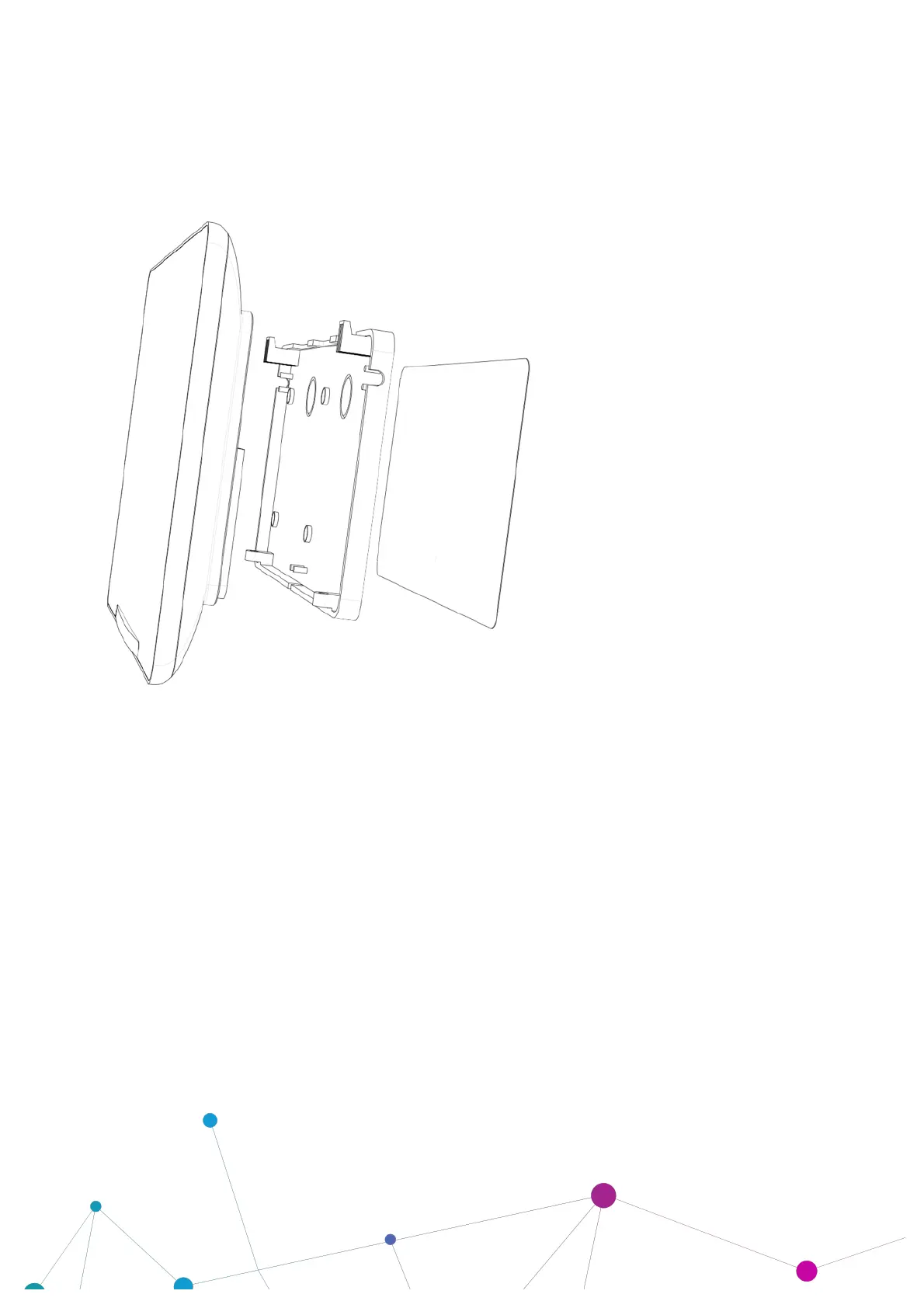
The following illustration shows a screen mounted to Glass.
To fix the screen to a glass wall, attach the double-sided sticky pad* to the back plate, and then firmly press
the back plate against the glass.
If you mount on glass, you may decide that you want to fit a manifestation behind the device to hide cabling
and fixings. We can supply these as an extra on request. If applying these yourself, we recommend
manifestations for wet application.
*Supplied with retail boxed product only.



 To Next Page