3.2 Driver Installation
3.2.1 Installation Procedures for Windows 64-bits (XP/Win7/Vista)
If your computer is using Windows 64-bits (XP/Win7/Vista), please open and browse the related folder of
CD. e.g. F:\Driver\Win7_64. There is a .INF file in the related folder for installation. You may refer to these
following steps to install.
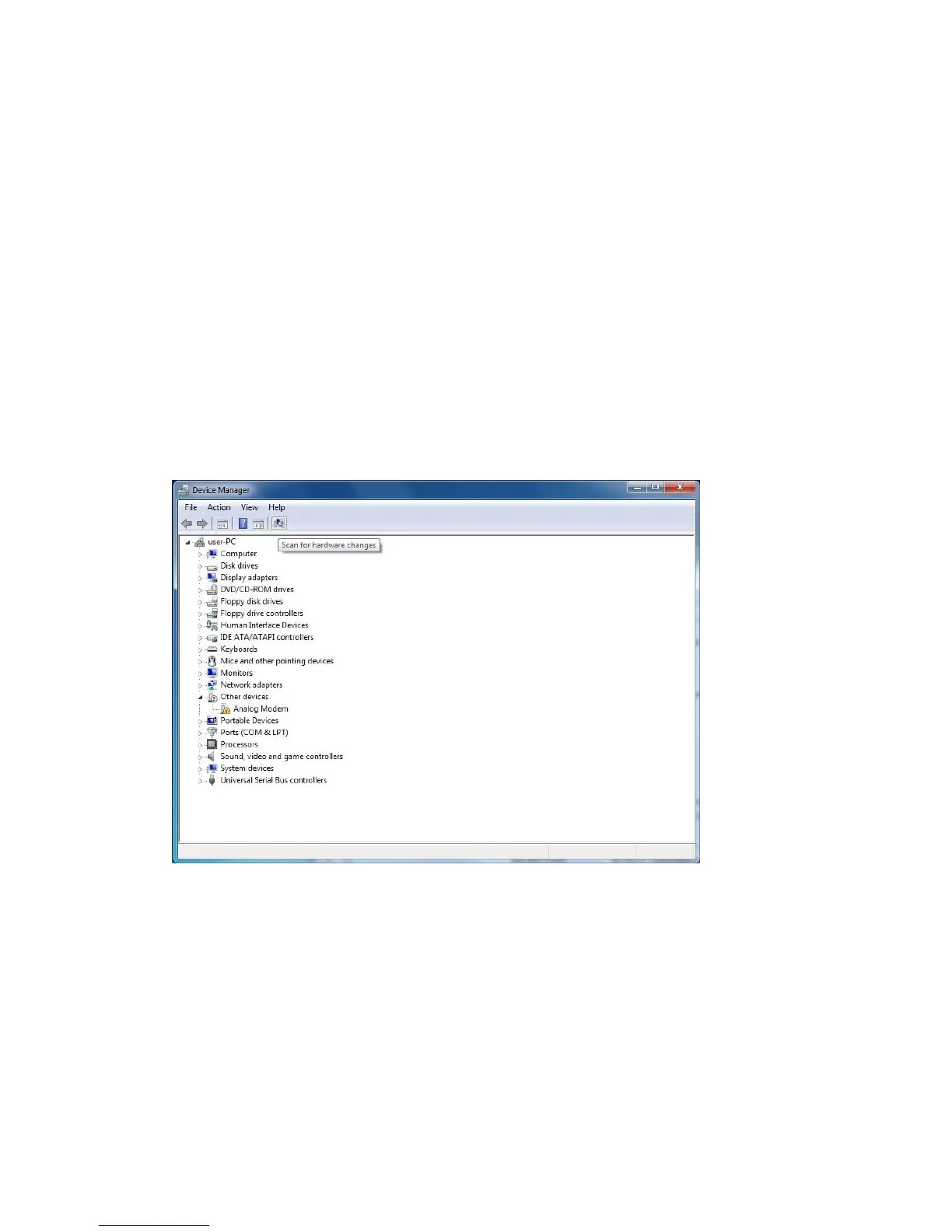
1. After Hardware Installation, switch on your computer and insert the driver CD into the CD-ROM. Open Device
Manager of Windows. Click and run “Scan for hardware changes”.



 To Next Page