EN
USER MANUAL
BLUETOOTH EARPHONES
CEP-9100-BK • CEP-9100-SL
CEP-9100-RD • CEP-9101-GD
6 Troubleshooting
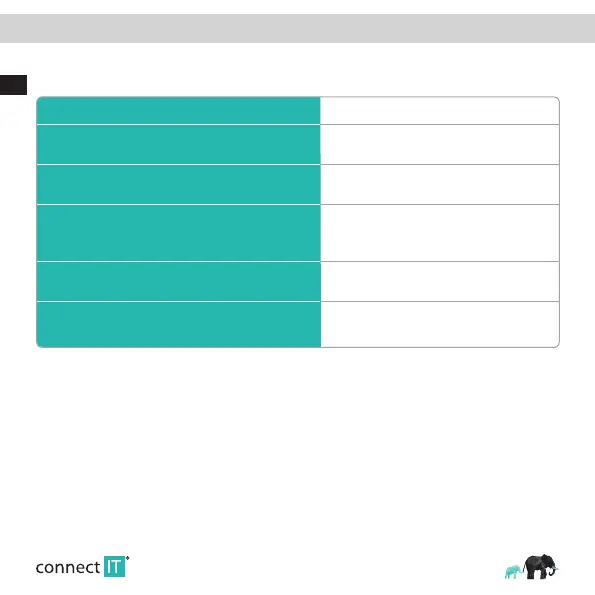
Common Problems Solutions
The secondary earbud signal is disconnected during the call
After hanging up the phone, put the secondary earbuds
into the charging box and re-connect them automatically.
Primary and secondary earbuds cannot be paired automatically.
Long press the primary and secondary earbuds for
20 seconds, re-pair after claering the record.
There is a delay in the secondary earbuds, 2 earbuds sound, the
sound is not synchronized, there is a delay of about 20 seconds.
ln this case, the sub- earbuds are easy to get stuck in the middle
of listening to songs.
Turn off and turn on again.
Occasionally, the signal is broken frequently and returns to normal
afler a few minutes.
lf it does not return to normal, turn off, re-turn on and
return to normal.
If there aare other abnormalities in use.
Put the earbuds back in the charging box to reset, if not,
press and hold the Primary and secondary earbuds for
20 seconds. After clear memory, re-pair.


 To Next Page