USER MANUAL
PROFESSIONAL GAMING MOUSE
CMO-3589 series
CONNECT IT® is a registered trade mark R202201-IM-CMO3589
EN
6
Single color breathing
You can set the speed at which the effect repeats with this backlight mode. The colour of this mode depends on the
colour set at each DPI level in the „Advanced settings“ section.
Cycle breathing You can set the speed and select the backlight colours for this backlight mode.
Static light
You can adjust the brightness for this backlight mode. The colour of this mode depends on the colour set at each DPI
level in the „Advanced settings“ section.
Water flow You can set the speed, brightness, direction and select the colours of the effect in this backlight mode.
Wave You can set the speed, brightness, direction and select the colours of the effect in this backlight mode.
Comet streak You can set the speed, brightness, direction and select the colours of the effect in this backlight mode.
Neon You can set the speed of the effect in this backlight mode.
RGB cycle You can set the speed and direction of the effect in this backlight mode.
Flicker You can set the speed of the effect in this backlight mode.
Static RGB -
Pulse You can set the speed and direction of the effect in this backlight mode.
Overwhelming You can set the speed of the effect in this backlight mode.
Trigger
In this mode, you can set how the mouse backlight responds to individual button presses. Each of the buttons can be
set to a different type of response and these types are – Cycle breathing, Water flow, Wave and Comet streak. The
response settings can be adjusted in the tabs of each backlight mode.
LED OFF Switch off the backlight completely.
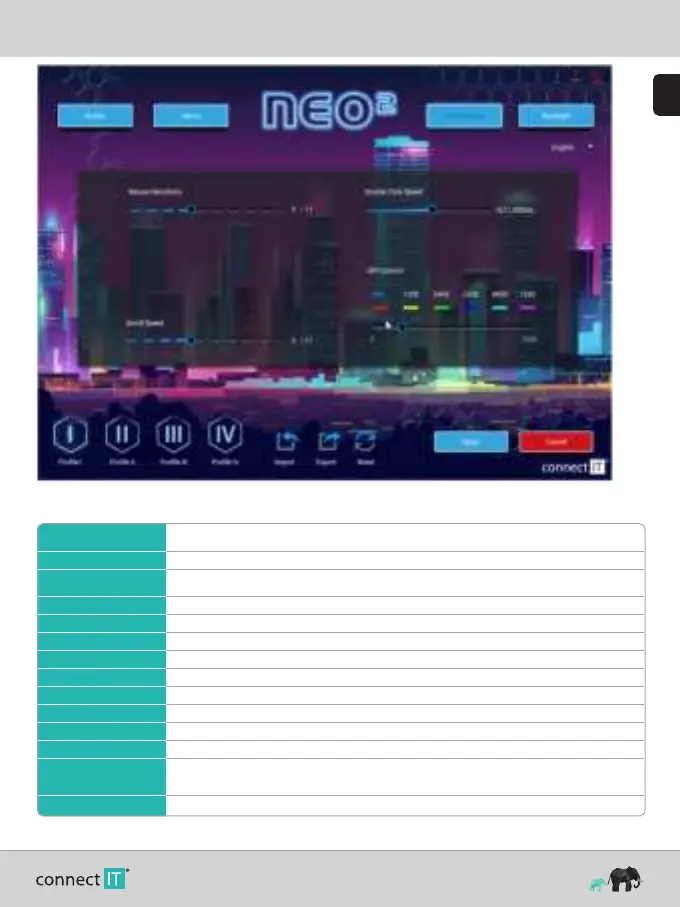
Backlight
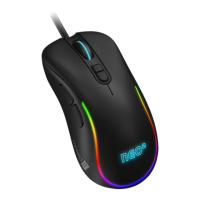
You have a choice of 13 different backlight modes that can be further customized with this mouse. There is also the option to turn the backlight off completely.


 To Next Page