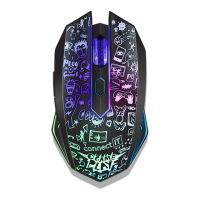
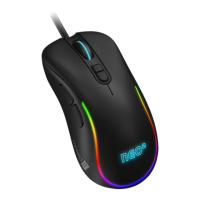
DPI Eect
Standard mode Mouse continuously lit
Respiration mode Backlight slowly lights and goes out, the speed of the cycle can be
regulated using a parameter
Neon mode Mouse ashing, cycle speed can be regulated using a parameter
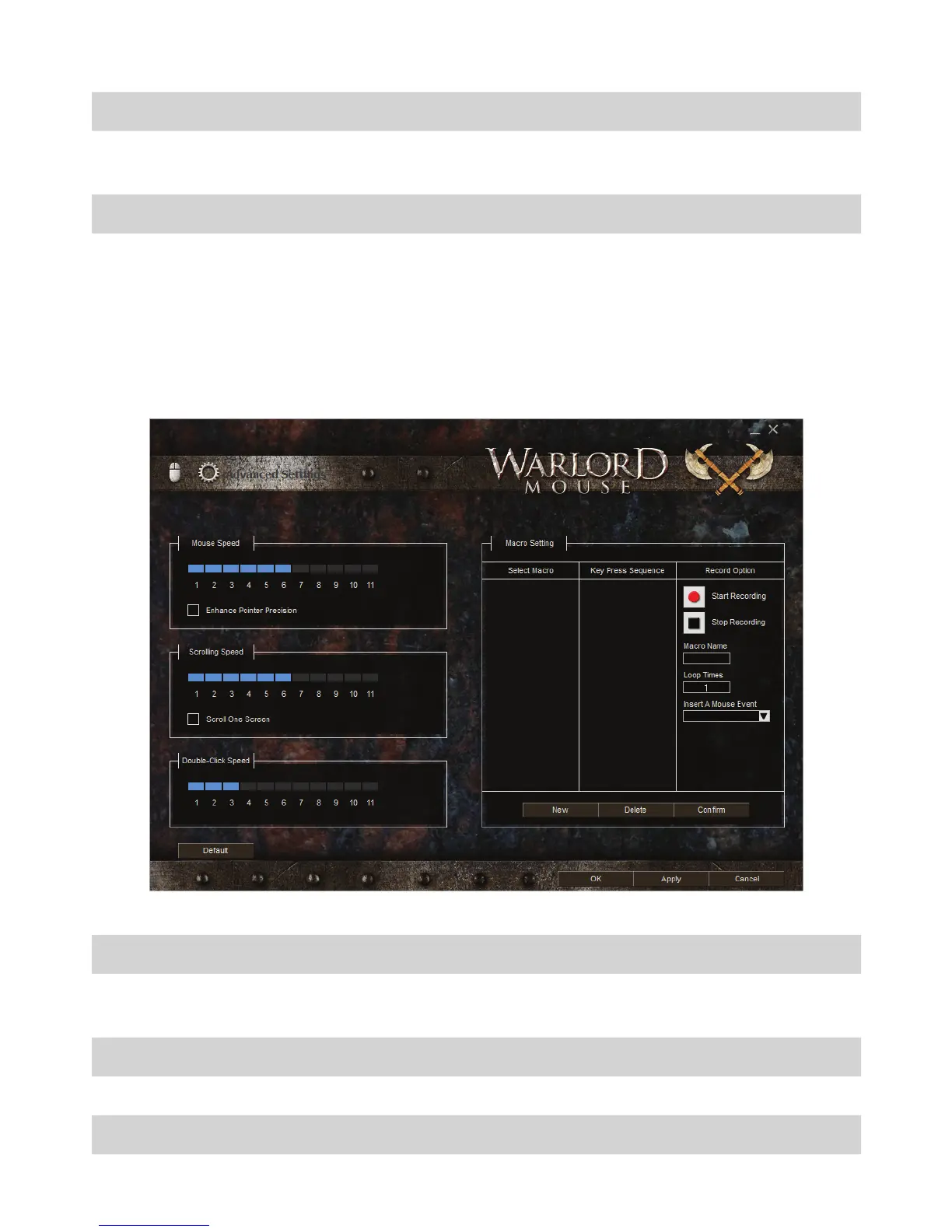
Advanced Settings
Advanced Settings can be accessed via the gear icon in the top left corner of the appli-
cation. Here, you can set response, scroll wheel speed, double-click speed, and you can
record macros.
Mouse speed Response
Enhance precision of the
pointer
Enhance precision of the pointer
Scrolling speed Scroll wheel speed
Scroll one screen Move by one page
Double-click speed Double-click speed


 To Next Page