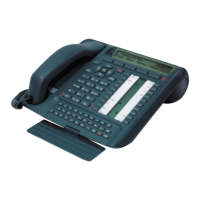
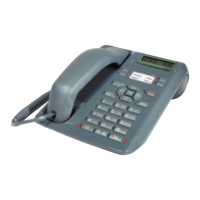
Functions
7
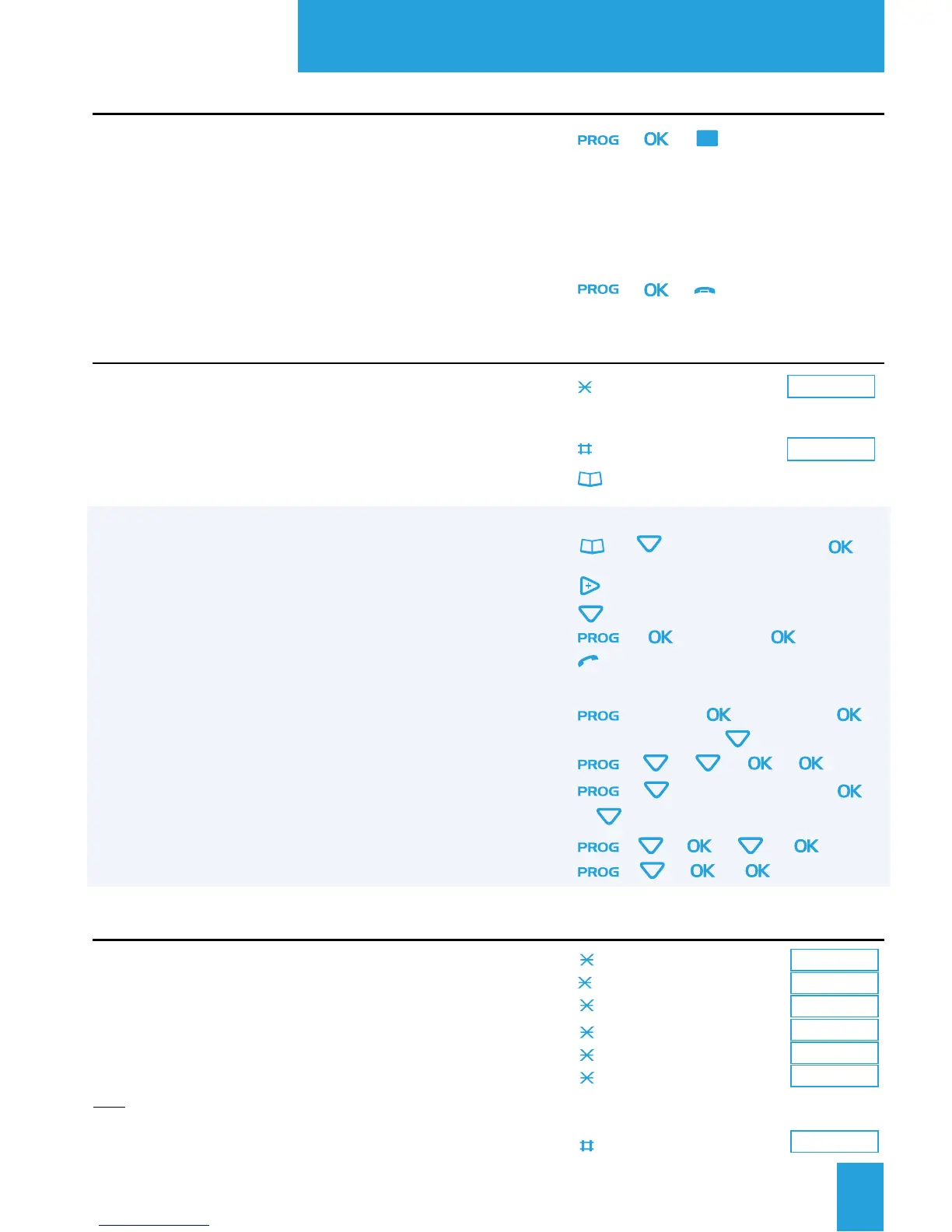
Call forwarding
Setting up to another set immediate
delayed
on busy
Setting up to the voice mail* immediate
delayed
on busy
Note: To forward your calls to an external number (e.g.: GSM ) consult
your system operator.
To cancel the forwarding
21
+
Number
22
+
Number
23
+
Number
25
26
27
20
+ (press successively) +
(press successively)
(press successively
)
+ (+
Name
+ )
0 to 9
+
Name
++
Number
+
Name (first letter)
+
(press successively)
+ + + + +
Pword
+
(
press successively)
+
+ (press successively)
+ + + + +
Pword
+ + + +
Pword
Using the logs and directories
Accessing the directories (private, personal abbreviated
numbers, private information) and incoming calls log
When consulting:
Accessing the record information
Searching a record
Storing the call record in the private directory
Calling the selected correspondent
a personal abbreviated number
Private directory: creating a record
searching a name
Private directory: clearing all records
Private information directory: accessing the records
to fill them
Incoming calls log: clearing all records
LNR log: clearing all records
+ +
1 + Number
3 +
Sequence
(e.g.: Mailbox No + # + password + #)
4 +
Extension number
8 +
Feature sequence
0
+ +
Programming the customized keys
Accessing the programming
Programming a number
a sequence of codes (e.g.: access mailbox)
a supervision function (of another set)
a feature
Cancelling a programming
Confirming the programming
or
or
or
or
or
or
or
51
0 to 9
Number
51
+ 0 to 9
+ 0 to 9
Programming an abbreviated number
Select the abbreviated number
Enter the number
Cancelling an abbreviated number
Calling a personal abbreviated number
or
or
* Depending on the features provided by your system operator


 To Next Page