EasyManua.ls Logo

connexx CX32A20ETV - User Manual

Default Icon
30 pages
Print Icon
To Next Page IconTo Next Page
Loading...
/TYZX[IZOUT3GT[GR
3UJKR )>'+:<)>'+:<)>'+:<
(17(57$,10(1779
%8,/7,162 81'%$5

Questions and Answers

Summary

Important Safety Instructions

About Your Television

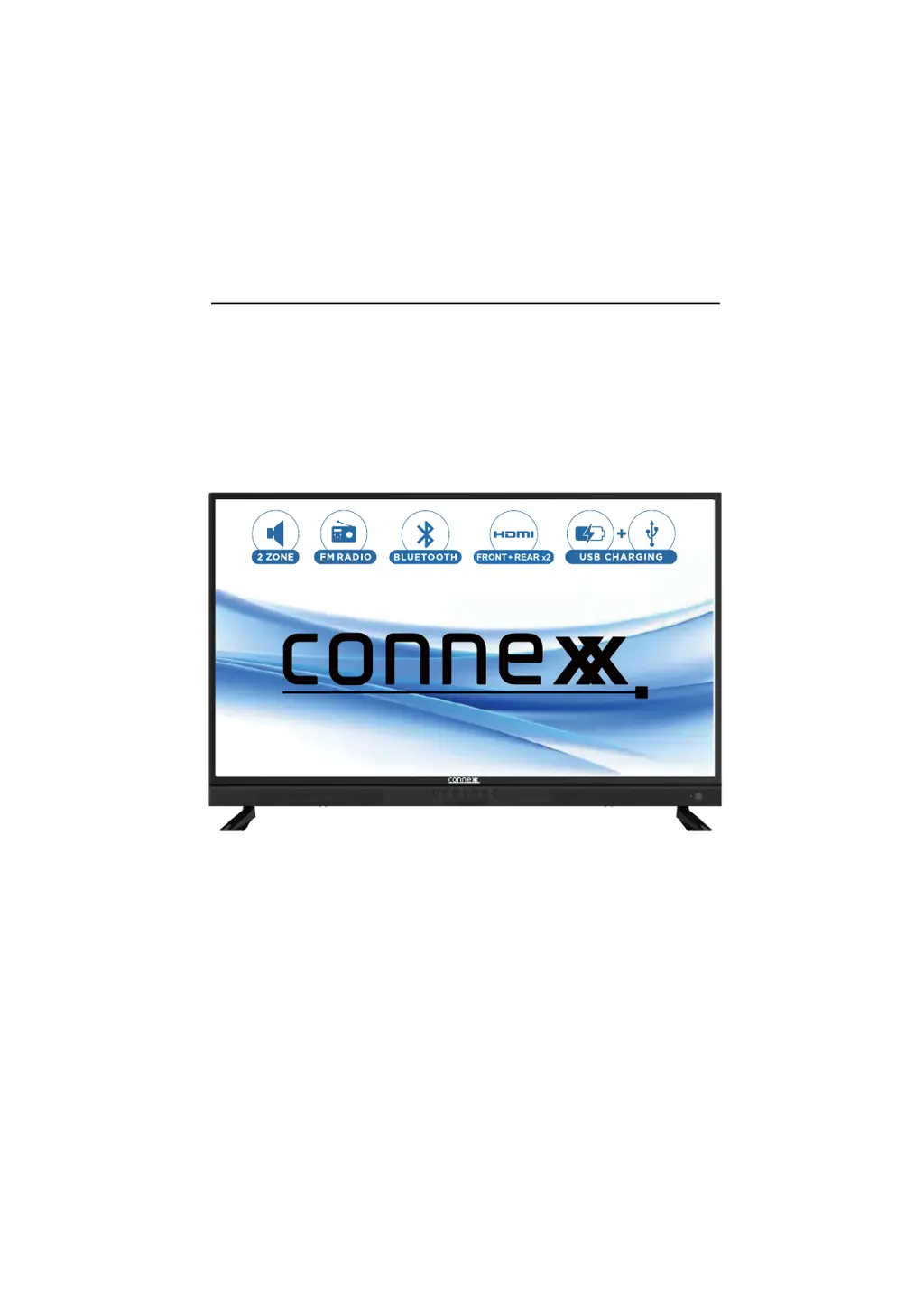
Key Features Overview

Lists the TV's main capabilities, including sound, connectivity, and panel functions.

Package Contents

Details all items included in the TV package, such as remote, stand, and accessories.

Initial Setup Procedures

Connecting the TV Stand

Instructions for securely attaching the TV stand to the unit.

Remote Control Battery Installation

Specifies the type of batteries required for the remote control.

Wall Mounting the TV

TV Front Panel Controls

Front Panel Button Functions

Describes the buttons on the TV's front panel and their operational functions.

Remote Control Functions

Remote Control Button Guide

Details the functions of each button on the TV remote control for operation.

TV Input and Output Ports

Setup Wizard Guide

Language and Time Configuration

Guides users through setting the TV's language and time zone configurations.

Automatic Channel Scanning

Selecting Input Sources

Zone B Audio Source Selection

Describes how to select the audio source for Zone B audio output.

Main Menu and Setup Options

Picture Settings Menu

Sound Settings Menu

Time Settings Menu

Parental and System Lock Menu

Channel Management Menu

Bluetooth Device Pairing

FM Radio Station Tuning

Media Player Functionality

Viewing Photos via USB

Playing Music via USB

Technical Specifications Summary

Common TV Troubleshooting

Customer Support and Warranty

Product Warranty Information

Details the product's warranty period, coverage, exclusions, and service procedures.

connexx CX32A20ETV Specifications

General IconGeneral
Brandconnexx
ModelCX32A20ETV
CategoryLED TV
LanguageEnglish

Related product manuals