Short press or button to select Unit from Language and Date/Time.
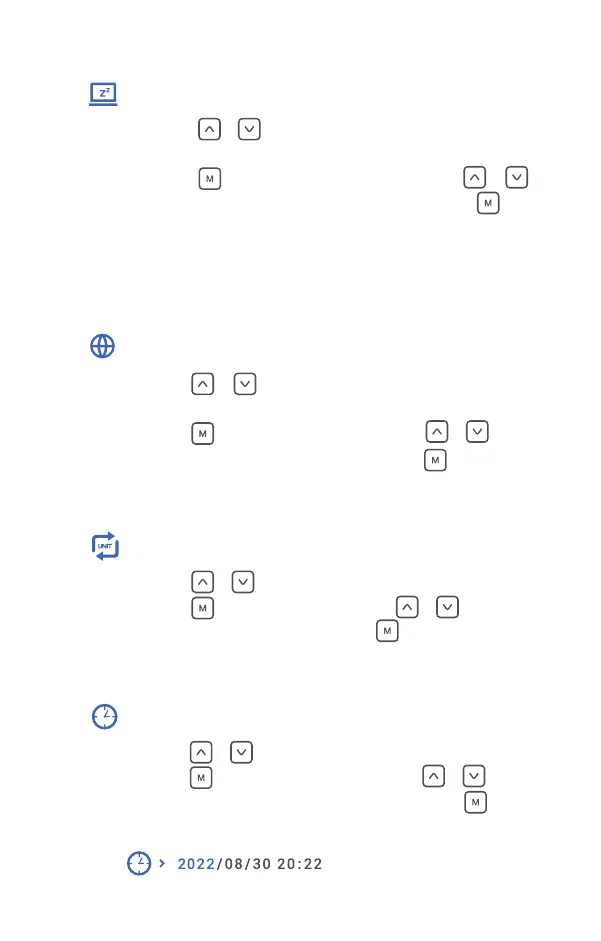
Short press button to enter Unit, short press or button to
switch between m and yard. Then short press button to save setting.
Auto is set to automatically activate Standby mode if no operation within 1min.
2min is set to automatically activate Standby mode if no operation within 2mins.
5min is set to automatically activate Standby mode if no operation within 5mins.
Off is set to turn off Standby mode.
Standby setting
Language
Unit
Date/Time
Short press or button to select Standby setting from Reset and
Language.
Short press button to enter Standby setting, short press or
button to switch from Auto, 2min, 5min or Off. Then short press button
to save setting.
Short press or button to select Language from Standby setting
and Unit.
Short press button to enter Language, short press or button
to switch from EN, KR, ES, CZ, RU, DE. Then short press button to save
setting.
Short press or button to select Unit from Device Info and Unit.
Short press button to enter Date/Time, short press or button to
change and save the selected the number, then short press the button to
switch to next number, long press M button to exit Date/Time setting.
14


 To Next Page