Palette
Short press button to switch the color modes activated in the setup menu.
HOT KEY
3
NUC
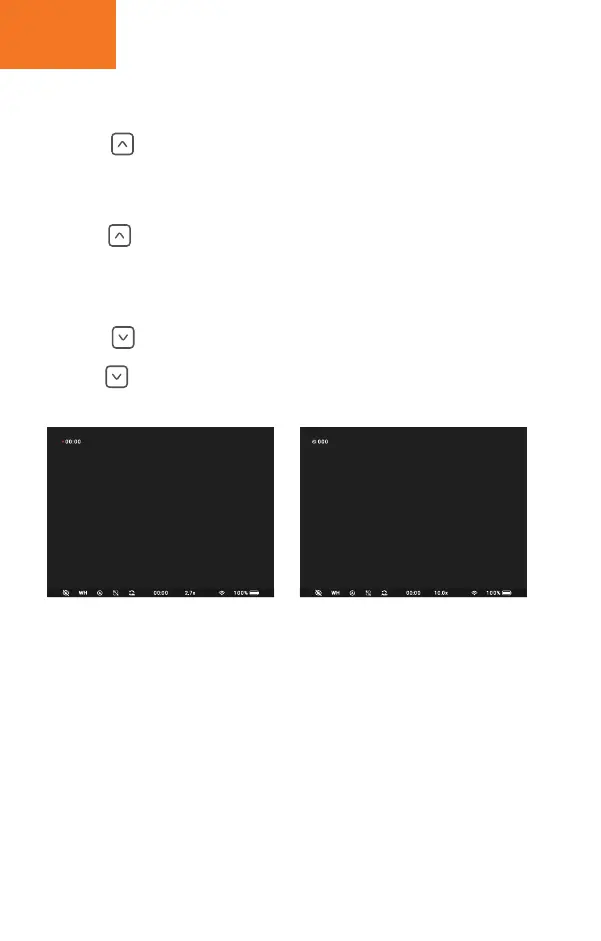
Take photo / video recording
Long press button to perform non-uniforming calibration.
Short press button to take photo, number of photo will be shown in the top left of screen.
long press button to start/stop video recording, recording icon will be shown in the top left
of screen.


 To Next Page