53
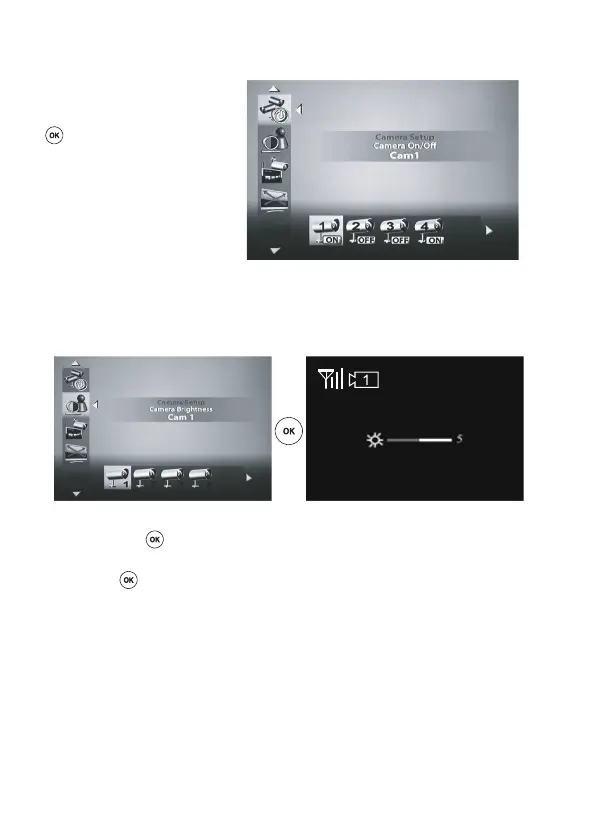
‘Camera ON/OFF’
Using the ‘left’ and/or ‘right’ keys t u
(D, J) on the remote control, select a
radio camera and then press the ‘OK’
(E) key on the remote control to
activate (ON) or deactivate (OFF) this
receive channel.
As soon as a receive channel is de-
activated (OFF), it is no longer avail-
able during the automatic sequential
switchover and manual selection.
‘Camera Brightness’
This menu can be used to set the brightness values for each reception channel separately.
Using the ‘left’ and/or ‘right’ keys t u (D, J) on the remote control, select a receive channel and
then press the ‘OK’ (E) key on the remote control to activate the brightness setting mode.
Using the ‘left’ and/or ‘right’ keys t u(D,J),setthedesiredbrightnessandconrmthissetting
using the ‘OK’ (E) key.



 To Next Page