55
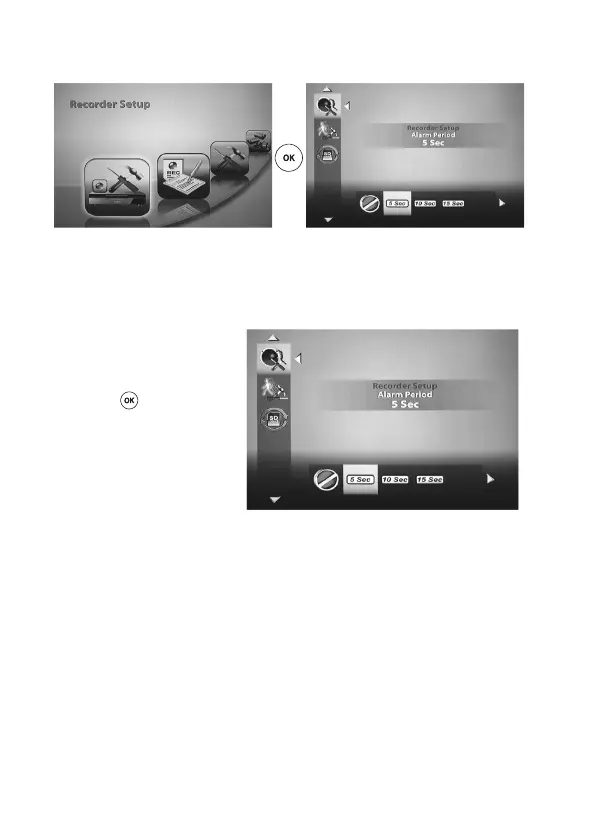
b) ‘Recorder Setup’ menu
‘Alarm period’
You can use this menu to set the duration of the alarm at which a motion detection is triggered.
Using the ‘left’ and/or ‘right’ keys
t u (D, J) on the remote control,
select the desired alarm period
(OFF/5 sec/10 sec/15 sec) and then
press the ‘OK’ (E)keytoconrm.
Note that when an alarm has been trig-
gered via motion detection, it can be
muted at any time by pressing any key
on the remote control.



 To Next Page