4
Installation of the door handle
Note: Figures in the user manual are only for reference, the actual product may
vary slightly.
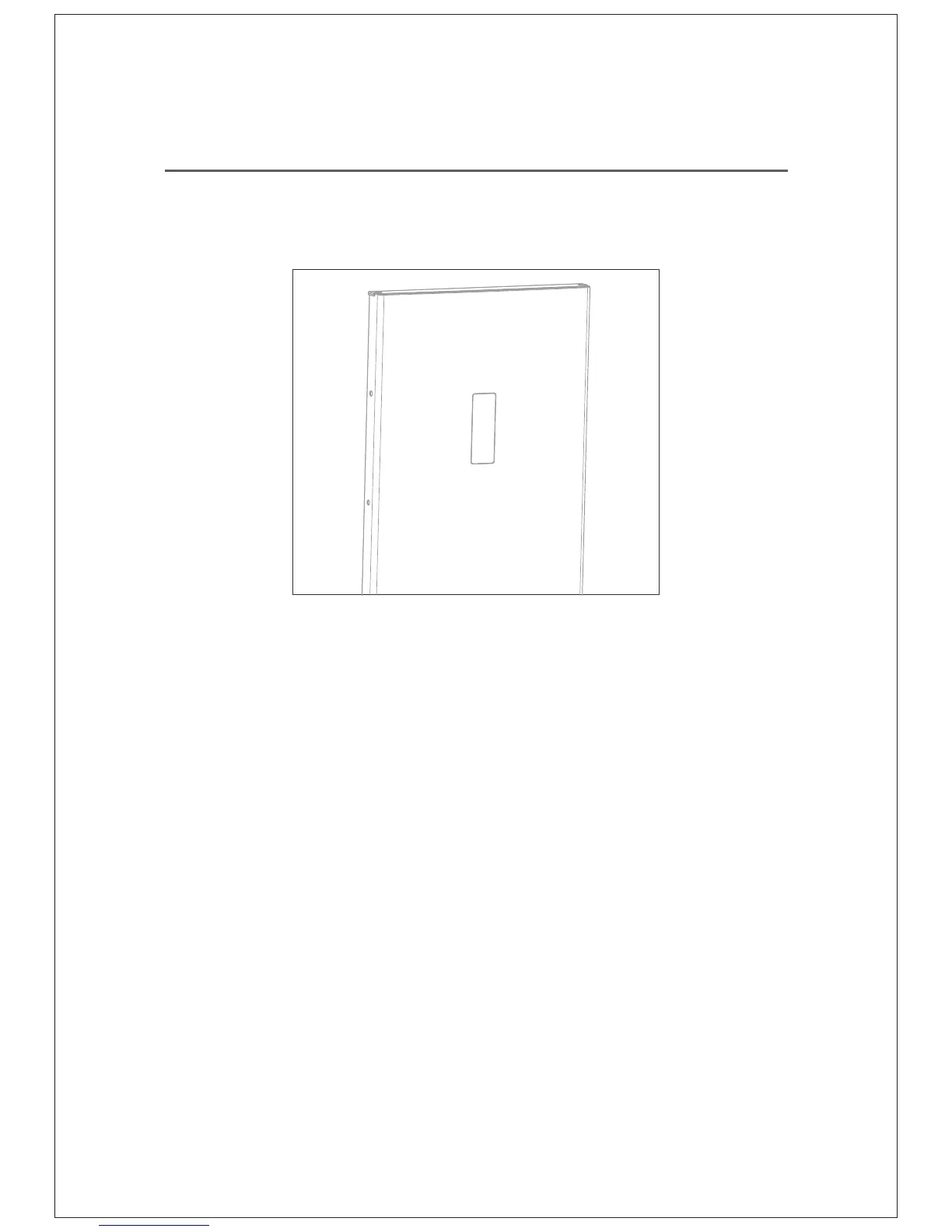
Ÿ Locate the phillips head screws on the left side of the doors.
Each door has screws pre-installed. Unscrew them and put
aside.
Ÿ Match the holes on the handle to the screw holes on the door.
Note: The door handle should face the front of the unit and not
the side.
Ÿ Insert the screws and hand tighten.
Ÿ Repeat for second door.
NOTE: the screws and wrench are in the plastic bag.



 To Next Page