6
Operation Check
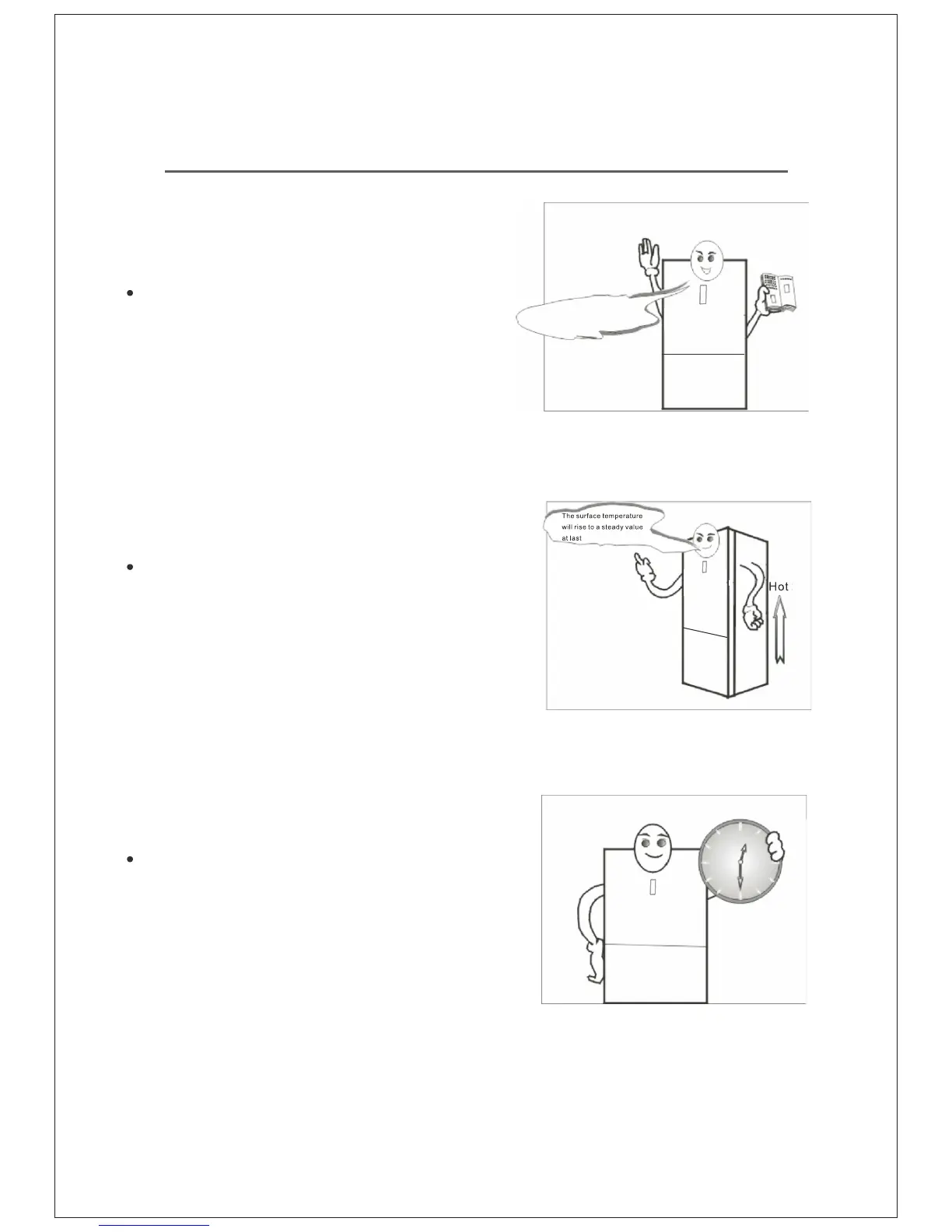
Ensure the unit has been placed properly
and all instructions have been observed.
Use the appliance safely
Adjust the setting to the middle position,
and then plug in the unit. After several minutes
of closing the door, both sides of the cabinet
become warm.
After 30 minutes, open the freezer compartment
door, if the air is cold, it means the unit is working
fine. After a period of time the thermostat will
switch off & on automatically & set the
compartments at the desired temperature.



 To Next Page