Manual EV2000/EV3000 series Electrophoresis Power Supply, rev. 03/2021
Page 6
Erase
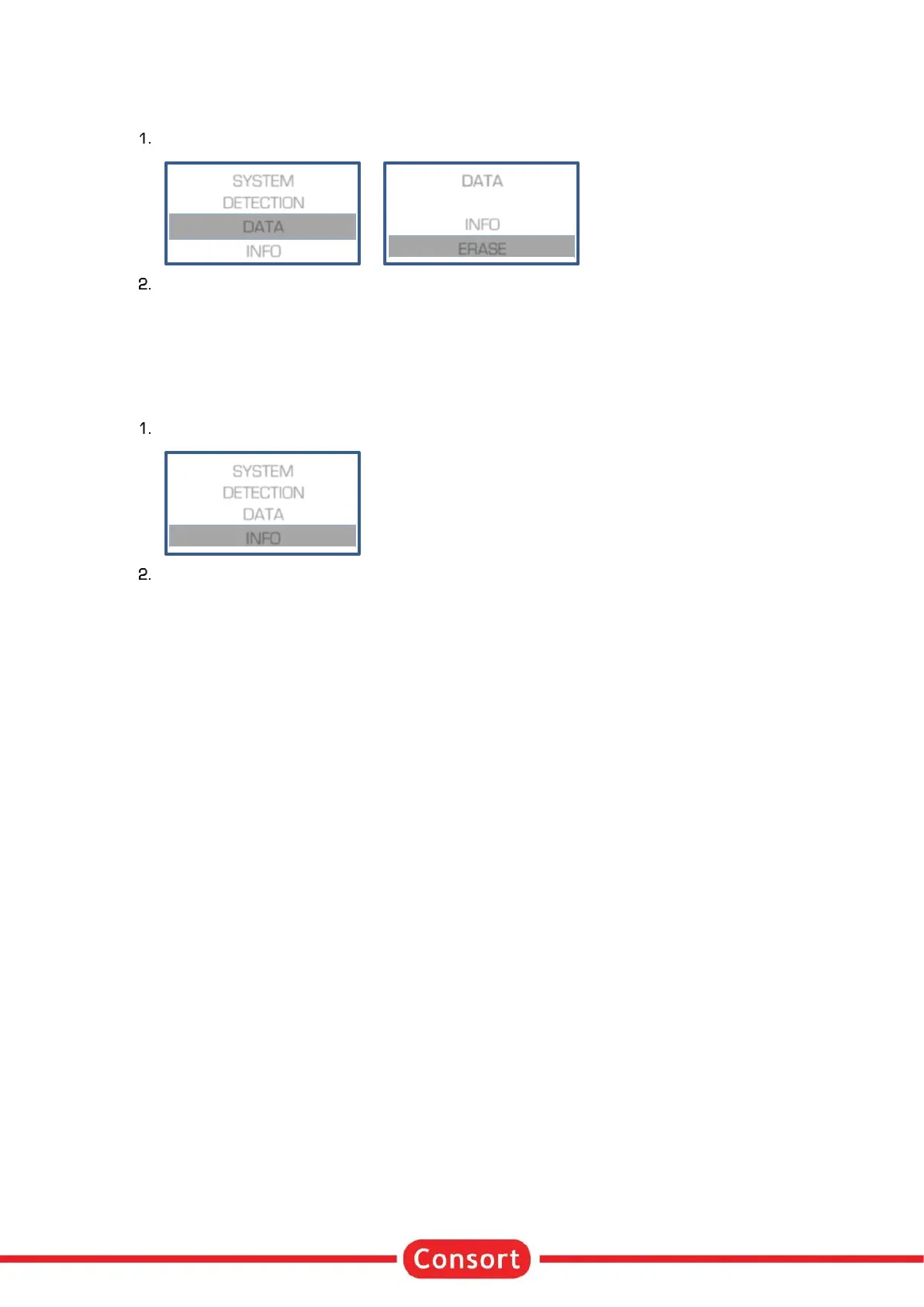
The menu in the instrument allows to erase the data log memory.
When in SETUP, follow these steps when required to erase the data log memory:
A question to erase the data will appear on the display. Choose YES and press ✓ to confirm that the
data should be erased.
Info
Choose INFO to find specific information about the device, the parameter limits, the firmware version and
more:
When in SETUP, follow these steps when required to erase the data log memory:
The information is shown over several lines. Use the - keys to scroll. Use ✓ or / to return to
the previous menu.


 To Next Page