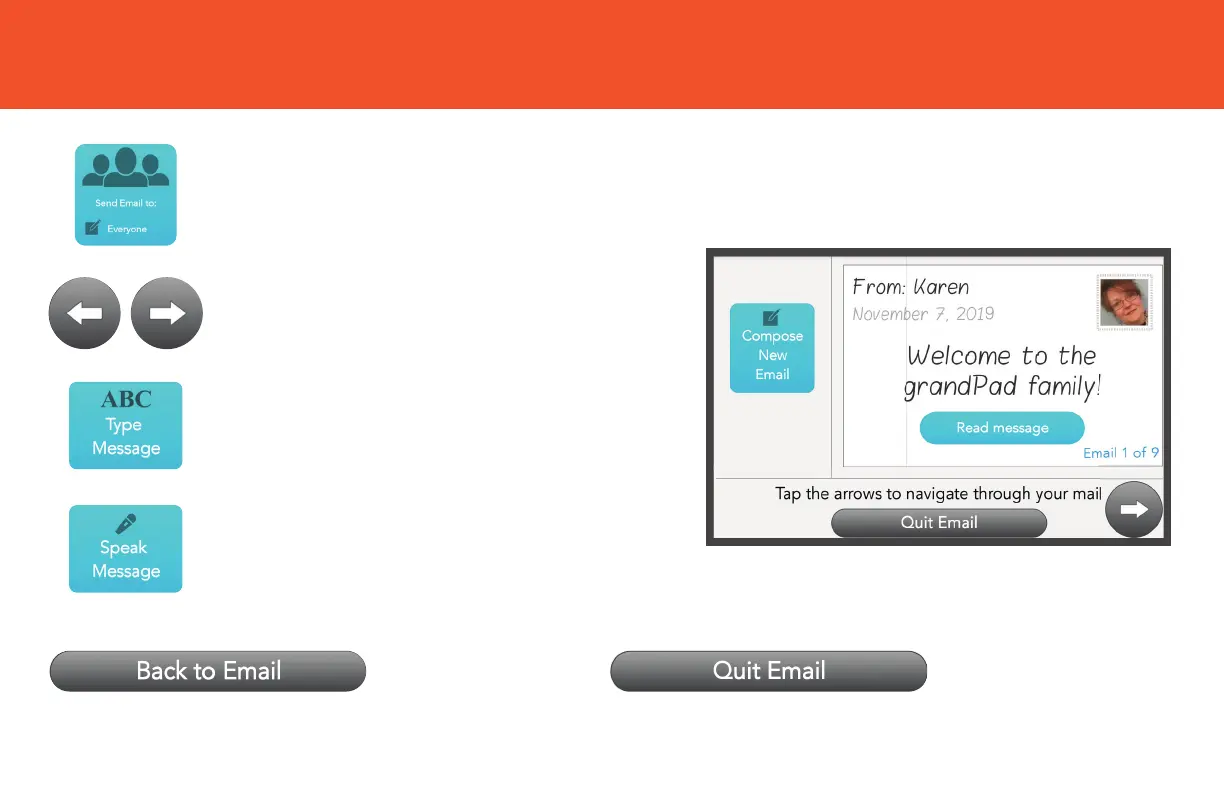
EMAIL BUTTONS
Messages you’ve received can be
viewed in the right panel.
Tap Quit Email to exit and return to your
Home screen.
Tap Type Message to write an email.
Enter your message, then tap (SEND).
Tap Back to Email to return to the inbox/
message composing screen.
Tap Speak Message to begin
recording a voice message.
Tap Arrow to scroll through a list of
the messages you’ve received.
Tap here to select who you want
to send a message to.


 To Next Page