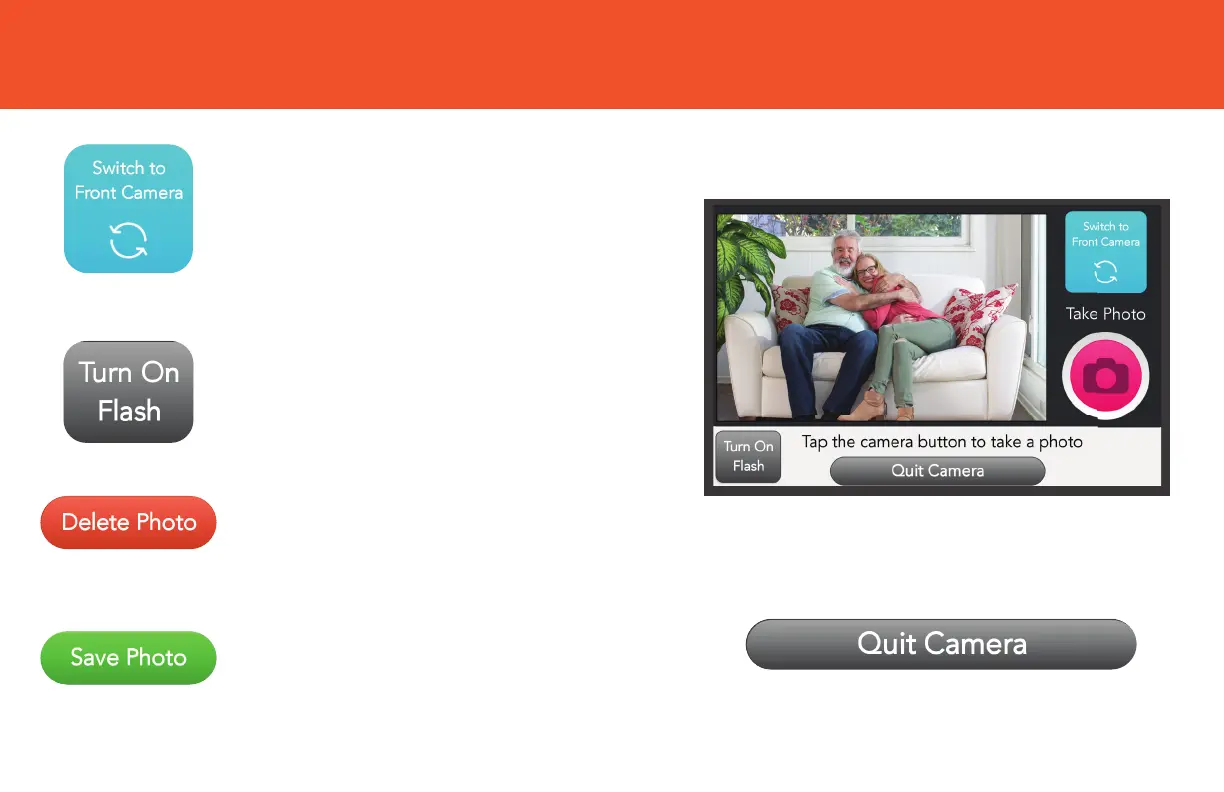
CAMERA BUTTONS
Tap Turn On Flash to turn on the
flash and add extra light to a photo.
Your GrandPad can take photos or
videos from either side of the device.
Tap Switch to Front Camera to
change from the rear (main) camera
to the front (“selfie”) camera.
Tap Quit Camera to exit the Camera
and return to your Home screen.
Tap Delete Photo (Video) if you
do not wish to keep the photo
or video.
Tap Save Photo (Video) to keep
the photo or video.


 To Next Page