USING GRANDPAD’S CAMERA
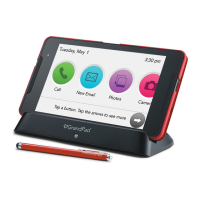
✓ Tap this button to take pictures or
record videos using your GrandPad.
✓ Photos and videos you take will be
saved to the PHOTOS library, and can
even be shared with others.
Tap Take Photo to take a photo, or Record Video to record a video. Once you’ve
done so, you will be able to view the picture or play the video, and decide if you’d
like to keep it.


 To Next Page