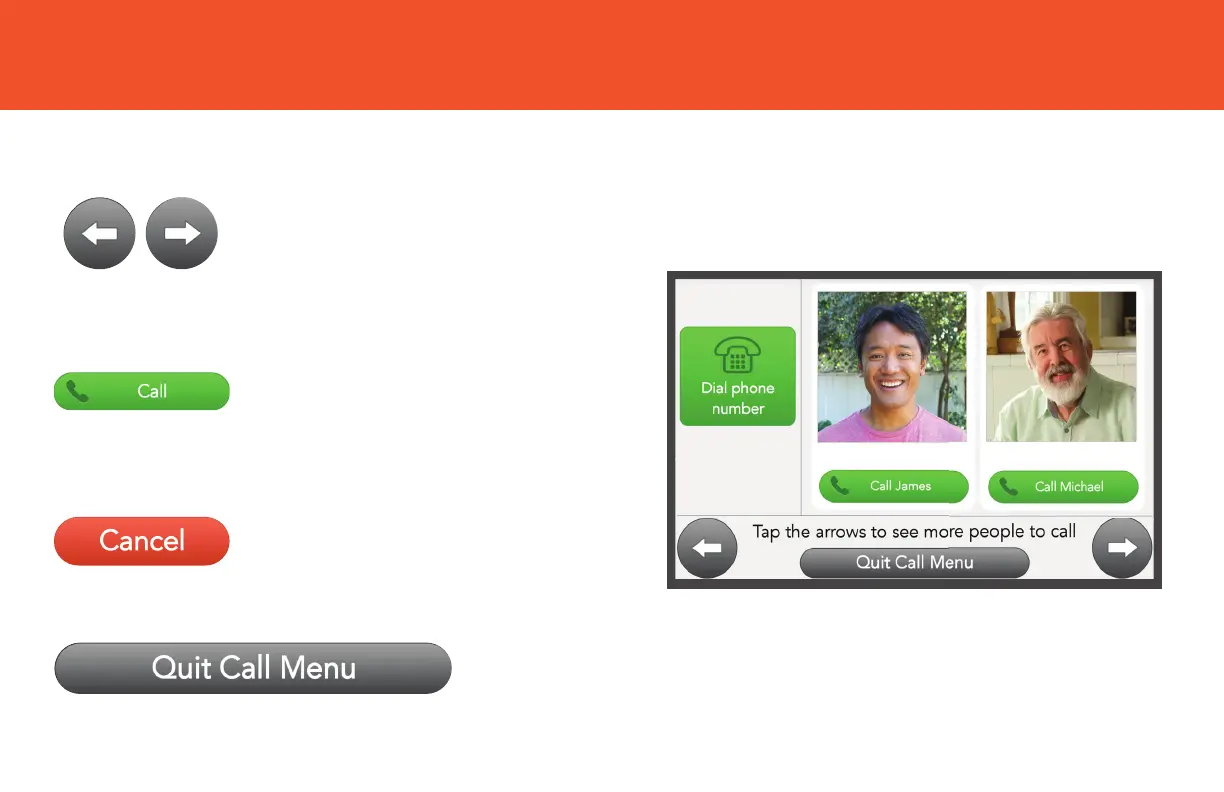
CALL BUTTONS
Tap Cancel to start over.
Tap Quit Call Menu to exit and return to your Home screen.
After entering a phone
number, tap Call to make a
voice call or simply tap the
person you want to call.
Tap Arrows to scroll through
a list of contacts to find the
person you wish to call.
Tap to customize your browsing experience.


 To Next Page