MUSIC BUTTONS
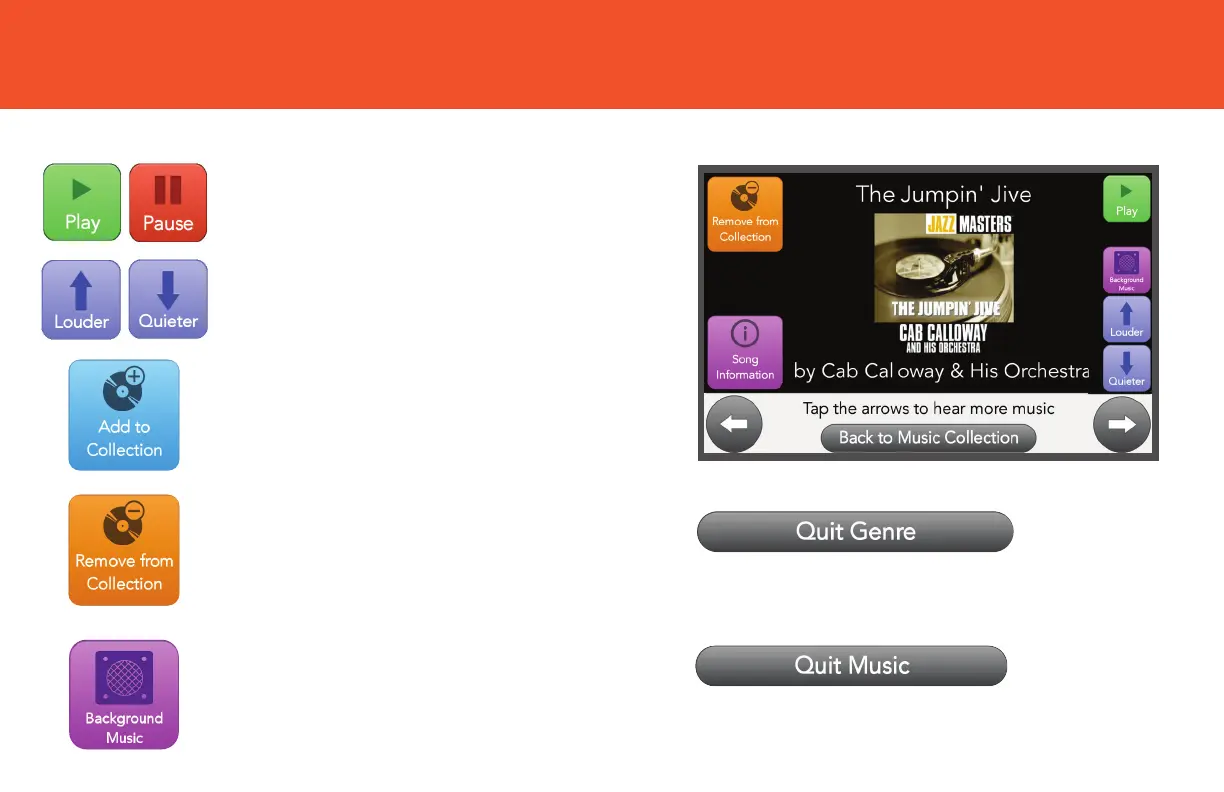
Tap Quit Music to exit Music and return to
your Home screen.
Tap Remove from Collection if
you wish to remove a song
from your collection.
Tap Add to Collection if you
wish to add a song to your list
of favorites.
Tap Play/Pause to start or stop
the song from playing.
Tap Quit Genre to exit and return to the
Music menu.
Tap the Louder/Quieter buttons
to control the volume.
Tap Background Music to let
music continue playing on the
GrandPad while you use other
features.


 To Next Page