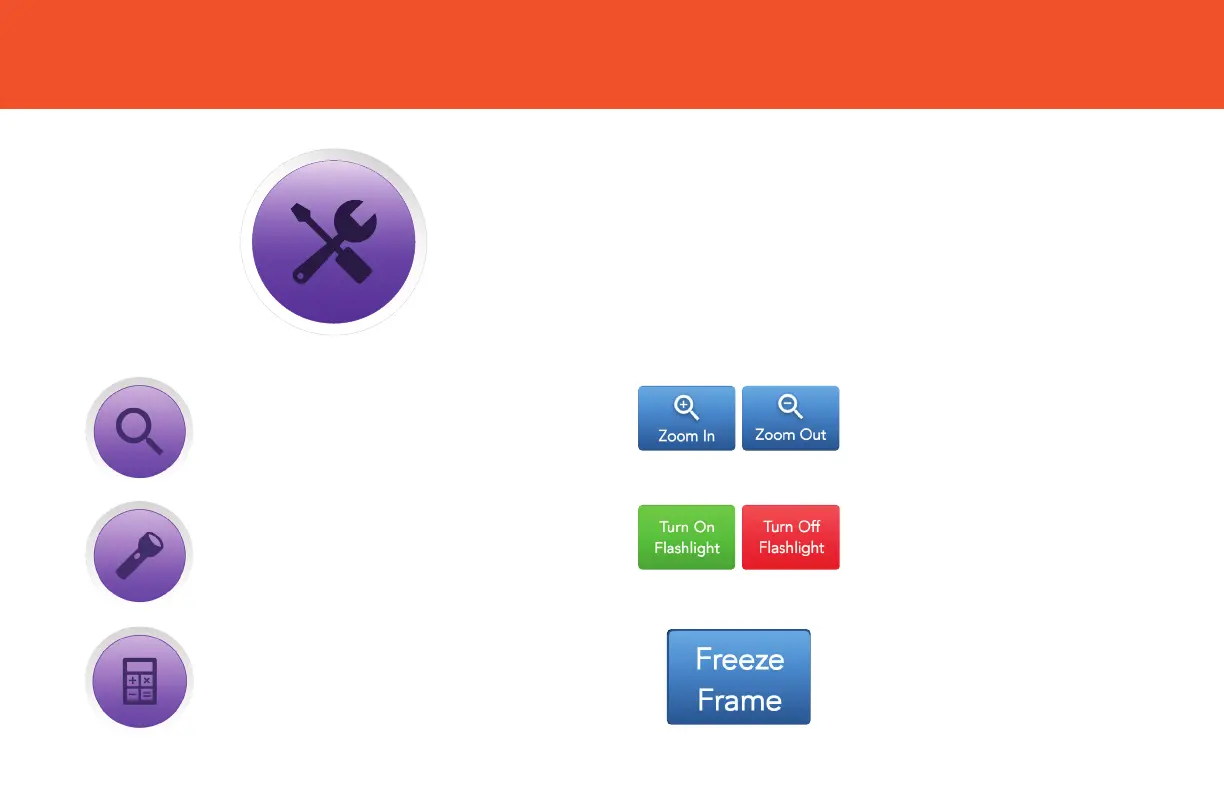
TOOLBOX
✓ Tap Toolbox to access handy extra features.
Tap Zoom In to look at an
item more closely.
Tap Turn On/Turn O to turn
Flashlight on (or o) to view
more detail.
Tap Freeze Frame to “hold”
a picture of an item you’re
looking at so you can study it
more closely.
Tap Magnifying Glass to use
your GrandPad’s camera and
screen as a magnifier.
Tap to use the Flashlight.
Tap to use the Calculator.


 To Next Page