EasyManua.ls Logo

Continental Refrigerator TR7411U-OR - User Manual

Continental Refrigerator TR7411U-OR
10 pages
Print Icon
To Next Page IconTo Next Page
Loading...
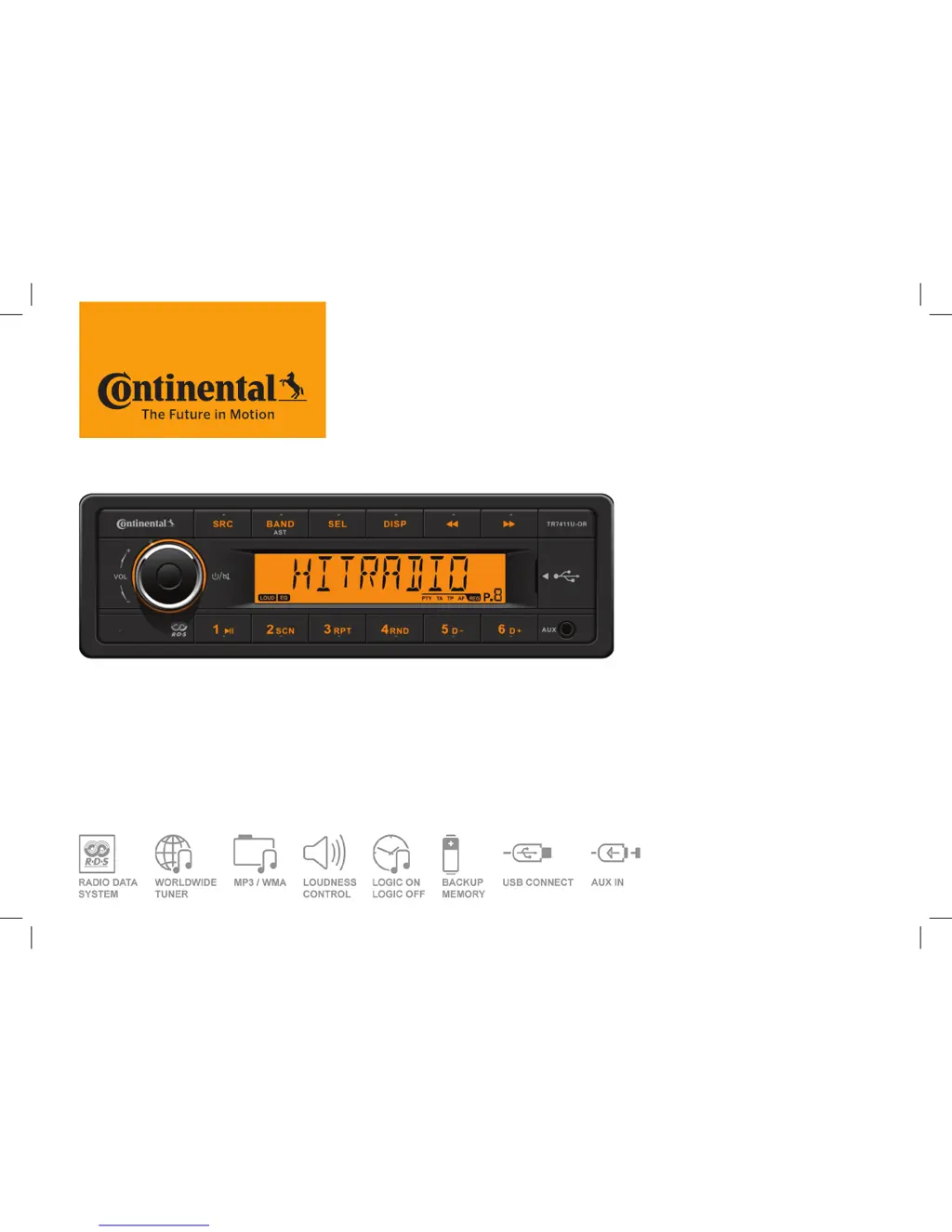
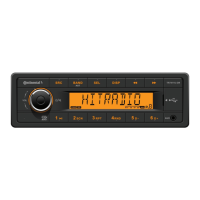
TR7411U-OR
RADIO / USB MP3 / WMA 12V
OWNER’S MANUAL
TR7411U-OR_EN.indd 1 28/05/15 15:50

Questions and Answers

  • A
    Alison WhiteJul 30, 2025
    What to do if my Continental Refrigerator Car Receiver won't switch on?
    • C
      Corey BrooksJul 30, 2025
      If your Continental Refrigerator Car Receiver isn't turning on, several factors could be at play. First, make sure your car ignition is on and the car key is turned in the ignition. Next, check the cable connection to ensure it's properly connected. Finally, inspect the fuse; if it's burnt, replace it with a new fuse of the same capacity.
  • C
    Colleen McclureAug 3, 2025
    Why is there no sound from my Continental Refrigerator Car Receiver?
    • M
      Michael MartinezAug 3, 2025
      If you're not getting any sound from your Continental Refrigerator Car Receiver, the volume might be set to the minimum, or the mute function could be activated. Check the volume level and switch the mute function off to restore the sound.
  • E
    edwardssaraAug 7, 2025
    What to do if my Continental Refrigerator Car Receiver unit or screen does not work normally?
    • P
      petersonjoseAug 8, 2025
      If your Continental Refrigerator Car Receiver unit or screen isn't functioning as expected, it could be due to an unstable system. Try pressing the RESET button to resolve this issue.
  • K
    Kimberly McgeeAug 12, 2025
    How to fix poor quality reception of radio station on Continental Refrigerator Car Receiver?
    • J
      Jessica DominguezAug 12, 2025
      If you're experiencing poor reception quality on your Continental Refrigerator Car Receiver, the antenna may be the issue. Fully extend the antenna. If the antenna is broken, replace it with a new one.
  • T
    Tammy RussoAug 17, 2025
    Why am I unable to receive stations on my Continental Refrigerator Car Receiver?
    • G
      griffinalejandroAug 17, 2025
      If you're unable to receive stations on your Continental Refrigerator Car Receiver, the antenna might not be connected properly. Ensure that the antenna is correctly connected.
  • A
    Amy ReyesAug 21, 2025
    What to do if unable to insert USB device into Continental Refrigerator Car Receiver?
    • D
      davidscottAug 21, 2025
      If you're having trouble inserting a USB device into your Continental Refrigerator Car Receiver, it might be because the USB device has been inserted the wrong way round. Try inserting it the other way around.
  • M
    Maurice HillAug 25, 2025
    What to do if the USB device cannot be read by Continental Refrigerator Car Receiver?
    • M
      Melissa ThomasAug 26, 2025
      If your Continental Refrigerator Car Receiver can't read the USB device, the issue might be the file system format. Verify that the file system is in FAT or FAT32 format, as the device might not support NTFS. Note that due to different formats, some models of storage devices or MP3 players may not be read.

Summary

Safety and Operation

General Safety Precautions

Covers general warnings, precautions, and cautions related to product use.

Safe Operating Procedures

Provides advice on safe volume levels and performing complex operations while driving.

Product Specifications

Technical Specifications

Details power supply, output, fuse rating, weight, and unit dimensions.

Frequency Band Details

Lists regional frequency ranges and channel spacing for radio tuning.

Panel Controls Overview

Power, Volume, and Source Controls

Describes the operation of power, mute, volume adjustment, and source selection.

Radio Band Switching & Preset Storage

Explains how to switch radio bands and store radio station presets.

Display and Audio Settings

Details equalizer presets, clock display, and media information display.

USB Media Playback Controls

Covers USB slot, folder navigation, playback modes, and track skipping.

Button Functionality Details

MP3 Playback and Folder Search

Instructions for skipping tracks and searching MP3 folders.

Clock and System Settings

Manual clock setting and instructions for accessing the system setup menu.

Radio Tuning and RDS Features

Covers radio seeking, manual tuning, RDS functions, and PTY search.

Logic Functionality

Explanation of the logic function for controlling power usage when the ignition is off.

System Setting Items

Setup Menu Options

Lists available parameters for system setup like clock, beep, and SWRC.

Audio Menu Options

Lists available audio settings including EQ, Bass, Treble, Balance, and Fader.

Region and AUX Settings

Covers radio region selection and AUX input sensitivity adjustment.

USB Functionality and FCC Compliance

USB Device Handling and Compatibility

Instructions for USB devices, supported formats, capacity, and file limits.

FCC Compliance Information

Details FCC statements, user compliance, and radiation exposure limits.

Electrical Connections

ISO Connector Pin Assignments

Diagram and table detailing the pinout for the ISO connector.

Troubleshooting Guide

General Unit Issues

Solutions for power, sound, and system stability problems.

Tuner and USB Mode Issues

Solutions for poor radio reception and USB device reading problems.

Continental Refrigerator TR7411U-OR Specifications

General IconGeneral
BrandContinental Refrigerator
ModelTR7411U-OR
CategoryCar Receiver
LanguageEnglish

Related product manuals