- 11 -
Step 3: Connect App
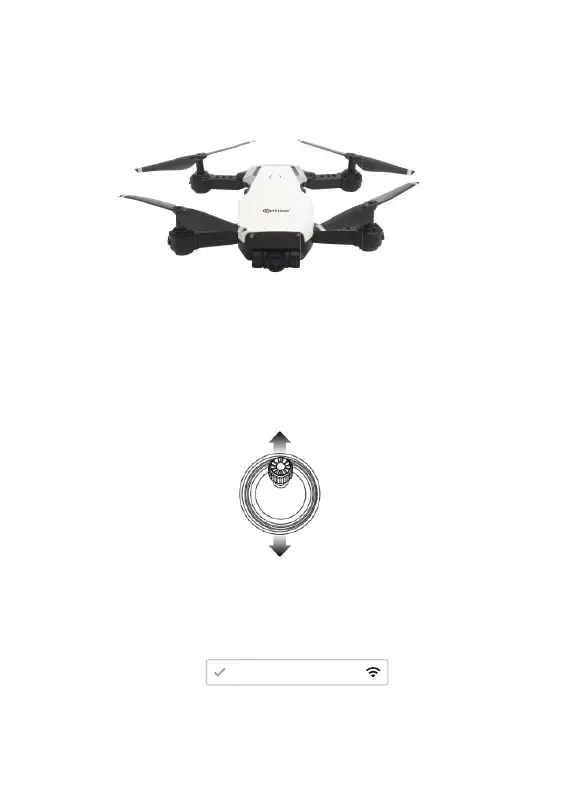
— Connect your smartphone to the WiFi of the drone and check the drone’s
status on the “Conxo F16” app.
— Open the “Conxo F16” applicaon on your smartphone to access the
control interface.
Conxo - F16 - XXXX
F16
Step 2: Turn On the Remote Control & Pair with Drone
Click the power buon of the remote control to power on the remote control.
Then push the le joysck up then down. When the drone light stops blinking
and changes to a steady light, pairing is successful.
Throle Joysck
NOTE: You can connect to the drone WiFi signal at this me to view the
current drone on the Conxo F16 app.
Flight
Step 1: Turn on the drone and put down on a level surface
Turn on the drone and the lights of the drone will start blinking. Place the drone
on a level surface.



 To Next Page