EasyManua.ls Logo

Contixo SC2 - User Manual

Contixo SC2
9 pages
Print Icon
To Next Page IconTo Next Page
Loading...
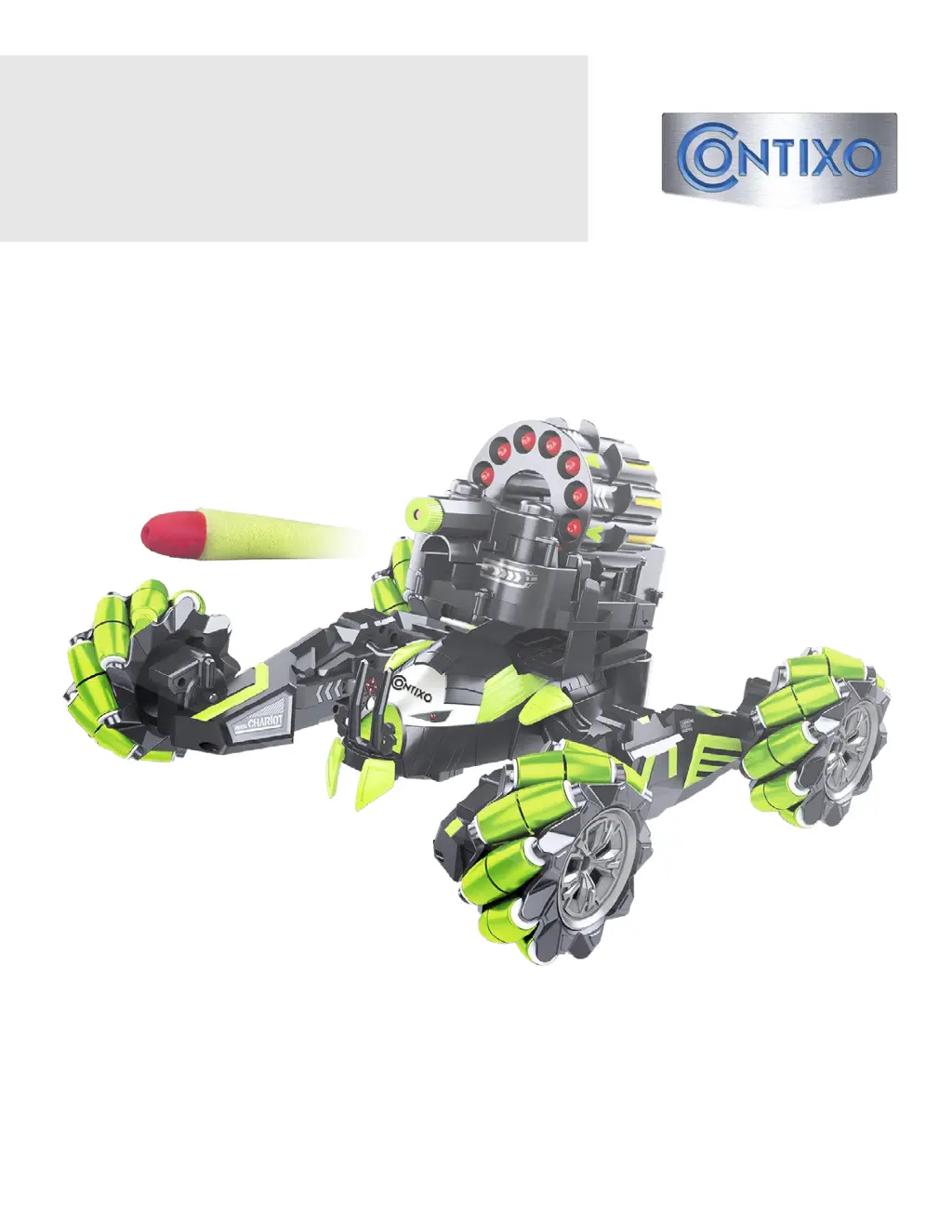
Combat Commando SC2
User Manual
PLEASE READ THIS MANUAL BEFORE USING.
PLEASE RETAIN THIS INFORMATION FOR FUTURE REFERENCE
*product colors may vary

Questions and Answers

  • E
    Elizabeth BenitezJul 29, 2025
    What to do if my Contixo Combat Commando drone won’t automatically pair with the remote?
    • B
      Bradley Leon DVMJul 29, 2025
      If your Contixo Combat Commando drone won't automatically pair with the remote, the batteries might be low, or it may need to be re-paired. Try charging or replacing the batteries in the remote control. If that doesn't work, attempt to re-pair the drone with the remote.
  • O
    owallerAug 8, 2025
    Why is my Contixo Combat Commando drone green?
    • A
      ahowellAug 8, 2025
      If your Combat Commando's green, it probably means the battery is low. You should charge the battery.
  • C
    Christine PayneAug 19, 2025
    Why does my Contixo robot keep switching off?
    • J
      James CollierAug 19, 2025
      If your robot keeps switching off, this could be due to a low or faulty battery. Try charging the battery.

Summary

Battery Installation

Combat Commando Battery Installation

Steps to install batteries in the main unit.

Transmitter Battery Installation

Steps to install batteries in the remote controller.

Pairing and Connecting the Remote

Battle Brain and Remote Control Frequency Matching

Process for synchronizing the remote with the vehicle.

Troubleshooting

Controls

Battery Warnings

Battery Charging

Contixo SC2 Specifications

General IconGeneral
BrandContixo
ModelSC2
CategoryDrones
LanguageEnglish

Related product manuals