1
Quick Start
1. To connect via Bluetooth:
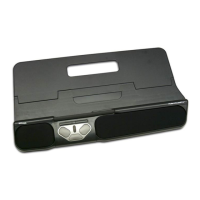
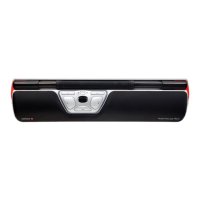
Power on RollerMouse Mobile (button A, see pg. 4). On your
computer, navigate to the area of settings regarding Bluetooth
connections (varies depending on operating system). Select the
option to add or discover a Bluetooth device. Your RollerMouse
Mobile should automatically be recognized, select it for the
computer to start Bluetooth connection.


 To Next Page