2
Quick Start Cont’d
2. To connect via USB dongle:
Insert USB dongle into available USB port and power on your
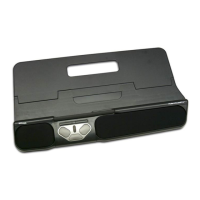
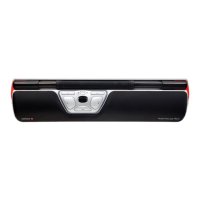
RollerMouse Mobile. Your computer will recognize your new
device and connect automatically.
3. To connect via a wired USB connection:
Connect USB cable to your RollerMouse Mobile and into
an available USB port on your computer. Power on your
RollerMouse Mobile. Your computer will recognize your new
device and connect automatically.


 To Next Page