3
What’s in the Box?
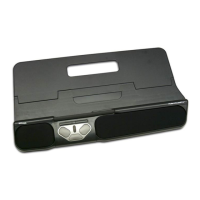
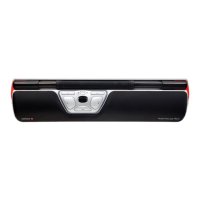
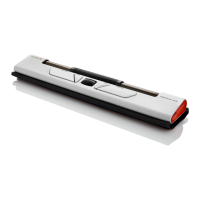
1. RollerMouse Mobile
2. Travel wrap (for RollerMouse Mobile)
3. Rubber feet (to raise keyboard height)
4. Dongle*
5. USB extender*
6. USB charging cable*
*Pleasendaccessories4,5,6
attached together in the box.
Functions
* The cursor speed button is multifunctional: On its own,
it controls cursor speed. Used in a sequence with other
buttons, it adjusts device settings. Please read on to learn
more about the functionality of this button.
• The LED indicators have corresponding tones to indicate a settings status.
An ascending tone indicates successful activation of a setting. A descending
tone indicates a setting was not successfully activated.
A. On/Off switch
B. Cursor speed/Settings*
C. Left-click
D. Right-click
E. Copy
F. Paste
G. Scroll wheel
H. Rollerbar


 To Next Page