6
Charging / Extension
To charge your RollerMouse remove the USB
extender and dongle from the charging cable.
Plug the USB-C end into the RollerMouse. Your
RollerMousewillchargein4hours.Youmay
continue to use your RollerMouse as it charges.
We recommend charging your RollerMouse once a
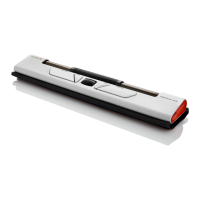
monthbasedonaveragedailyofceuse.See g. 1.
Wireless Connection
Once powered on, the device is in automatic mode
whichwillpairtotherstavailableconnection.The
devicewillattempttoconnecttothedonglerst.If
no connection is made, the device will attempt to
connect via Bluetooth using the pairing information
that is already in the unit. If no pairing information
is available, it will start Bluetooth pairing mode and
remain in that pairing mode for about two minutes. If
device is left in automatic pairing mode, RollerMouse
Mobile will cycle through the above steps each time
it’s powered off then powered back on again.
g. 1


 To Next Page