Properties
Fahrenheit or Celsius: Sets the temperature display in Fahrenheit or Celsius.
View/Edit Schedule: Select to access and edit the Thermostat schedule.
Vacation: Select to adjust the vacation heat and cool setpoints.
Use Remote Temperature Sensor: If unchecked (default), the Thermostat will use the on-board
local temperature sensor. Check this box to use an optional Remote Temperature Sensor.
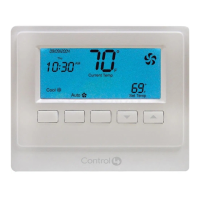
Buttons: Locks and unlocks the physical buttons on the Thermostat.
NOTE: If buttons are disabled, they will be re-enabled when the Thermostat power
cycles. This is a safety mechanism to prevent a Thermostat from becoming
completely inoperable if it were removed from a project while the buttons
were disabled.
Select Apply to… to apply the current properties to the selected Wireless Thermostats.
Advanced Properties
General Setup
Backlight Mode: Sets the backlight preferences. On Button Press lights the backlight for ten
(10) seconds when any Thermostat button is pressed. Always On keeps the backlight constantly
on; not recommended when using power stealing.
Battery: Shows the power source or battery level.
12


 To Next Page